 Whatsable







TL;DR:
- A proper WhatsApp Business profile, with a dedicated number and complete information, builds trust and drives customer engagement. Implementing automation, labels, and strategic Status updates transforms the platform into a proactive sales channel. Neglecting profile setup and messaging tools causes missed revenue and lost customer trust.
A correctly configured WhatsApp Business profile is the difference between a customer trusting you instantly and closing the chat without a reply. The WhatsApp Business app, distinct from regular WhatsApp Messenger, gives small businesses a dedicated channel to display their brand, hours, contact details, and automated responses in one place. When you set up your WhatsApp Business profile correctly from day one, you create a professional presence that works even when you are offline. This guide walks you through every step, from prerequisites to messaging tools and WhatsApp Status strategy, so your profile does real work for your business.
What you need before setting up your WhatsApp Business profile
The single most common setup mistake is using a personal phone number. The same number cannot run WhatsApp Messenger and WhatsApp Business simultaneously. Attempting it deactivates one account or forces a migration process that can disrupt existing conversations. Start clean with a number dedicated to your business.
Here is what to prepare before you open the app:
- A dedicated business phone number. This can be a mobile SIM, a landline, or a virtual number. A landline works for verification if it can receive phone calls, but it cannot receive SMS codes, so choose the call option during setup.
- The official WhatsApp Business app. Download it from the Google Play Store or Apple App Store. Do not use third-party APK sources.
- A high-resolution logo. Minimum 640x640 pixels. Simple, clear designs hold up better at small display sizes.
- Your business details. Business name, physical address if applicable, operating hours, customer-facing email, and website URL.
- A short business description. You have 256 characters. Draft it before you open the app so you are not improvising.
Pro Tip: If you do not want to use a second SIM card, services like Google Voice or a local virtual number provider give you a dedicated business number without buying a second phone. This keeps your personal number private and your business communication separate from day one.
Having these assets ready before registration means you complete the profile in one sitting rather than leaving fields blank and forgetting to return. Incomplete profiles signal to customers that a business is either new or not serious.
How to set up your WhatsApp Business profile step by step
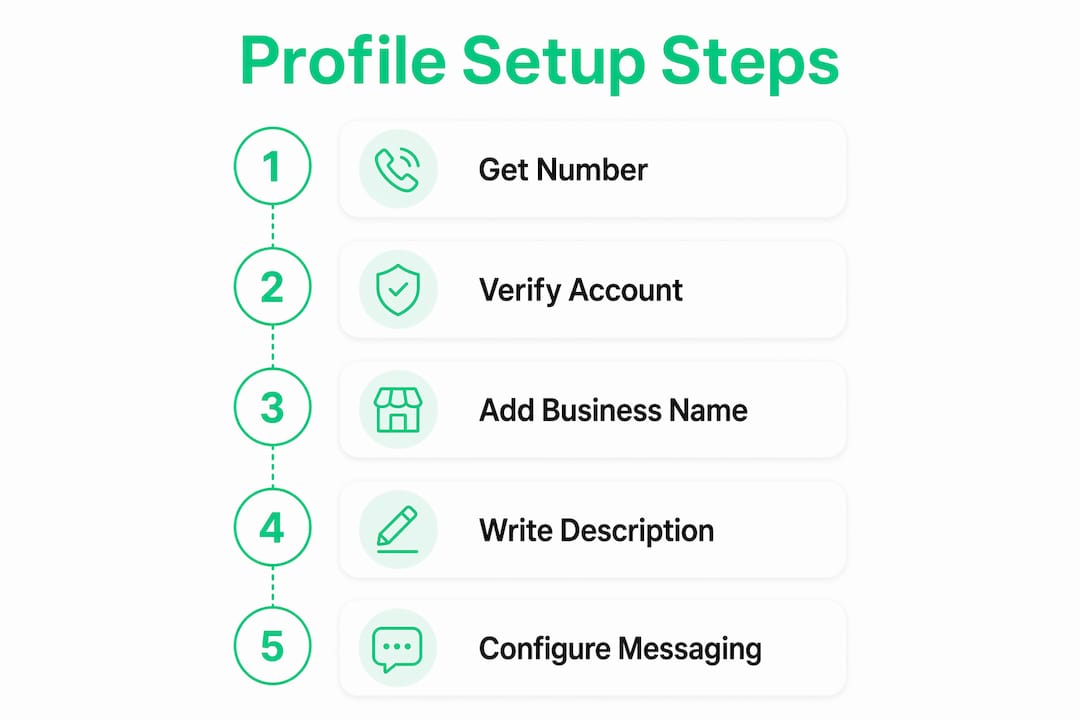
WhatsApp’s own recommended onboarding schedule for small and medium businesses follows a 7-day sequential setup: Day 1 covers profile and logo, Day 2 covers greeting and away messages, Day 3 covers quick replies, and so on through catalog and workflow integration by Day 7. That structure exists because each layer builds on the last. Follow it and you avoid the common trap of setting up automation before your profile is complete.
Navigating to your business profile
After installing the WhatsApp Business app and verifying your number, tap the three dots in the top right corner, select Settings, then Business Tools, then Business Profile. Every field you see on that screen is a customer touchpoint.
Filling out each profile field
Completing every field in your profile builds measurable trust and improves customer engagement. Here is what each field requires and why it matters:
| Profile element | Best practice |
|---|---|
| Business name | Match your name exactly to your other platforms. Inconsistency confuses customers and weakens brand recognition. |
| Category | Choose the most specific category available. “Retail” is weaker than “Clothing Store.” |
| Description | Use all 256 characters. State what you do, who you serve, and what makes you different. Include a keyword customers would search. |
| Profile photo | Upload your logo at 640x640 pixels minimum. A clear, readable logo at small display sizes requires simple design and high contrast. |
| Address | Include your full address if you have a physical location. This builds local trust and helps customers find you. |
| Business hours | Set accurate hours. Customers who message outside those hours need to know when to expect a reply. |
| Use a business email, not a personal Gmail. It signals professionalism. | |
| Website | Link to your homepage or a specific landing page. This drives traffic and gives customers a place to learn more. |
The description field is where most small businesses underperform. A weak description reads: “We sell clothes.” A strong one reads: “Women’s sustainable fashion for sizes 10 to 22. Free shipping on orders over $75. Based in Austin, TX.” The second version answers three customer questions before they even ask.
Pro Tip: Search your own business category on WhatsApp to see how competitors have filled out their profiles. This takes two minutes and immediately shows you gaps in your own setup.
How to use WhatsApp Business messaging features effectively
A complete profile gets customers to message you. Messaging tools determine what happens next. Greeting and away messages improve how responsive your business appears and set clear expectations, even when you are not available to reply in real time.
Setting up greeting messages
A greeting message fires automatically when a customer contacts you for the first time or after 14 days of inactivity. Go to Business Tools, then Greeting Message, toggle it on, and write your message. A strong greeting does three things: acknowledges the customer, tells them what to expect, and gives them a next step.
Example: “Hi! Thanks for reaching out to [Business Name]. We typically reply within 2 hours during business hours. In the meantime, check our website at [URL] for pricing and availability.”
Configuring away messages
Away messages activate outside your set business hours. They prevent customers from feeling ignored and reduce the chance they contact a competitor while waiting. Set yours under Business Tools, then Away Message. Include your expected response time and, if possible, a self-service option like a FAQ link or catalog link.
Building quick replies
Quick replies save time and keep your responses consistent across every conversation. WhatsApp recommends creating at least five quick replies for your most common inquiries. Good starting points include:
- Pricing information
- Shipping or delivery timelines
- Return or refund policy
- Store location and hours
- How to place an order
Access quick replies under Business Tools, then Quick Replies. You assign each reply a keyboard shortcut. Type “/” in any chat to pull up the full list. This feature alone can cut your average response time significantly on high-volume days.
Using labels to organize contacts
Labels let you segment your contacts into groups: new customers, pending payment, order complete, VIP clients. This segmentation becomes critical when you start using WhatsApp Status or broadcast lists for targeted messaging. Set up at least four labels before you start receiving volume.
Pro Tip: Automated messaging tools work best when paired with personal follow-up. Use automation to handle the first response and set expectations, then follow up personally within your stated timeframe. Customers notice the combination and it builds more trust than either approach alone.
What role does WhatsApp Status play in your business strategy?
WhatsApp Status is the feature most small businesses ignore and the one that delivers some of the highest engagement rates in mobile marketing. Status functions as a private, opt-in social feed. Only contacts who have saved your number see your updates. There is no algorithm suppressing your reach and no paid promotion required to appear in their feed.
This creates a low-noise marketing environment where your audience is already warm. They saved your number because they bought from you, inquired about your services, or opted in deliberately. That is a fundamentally different audience than a social media follower who clicked a follow button and forgot about you.
Here is how to use Status as part of your business profile strategy:
- Product updates and launches. Post a 30-second video or a clear image with a caption when you add new inventory or launch a service.
- Limited-time offers. Status disappears after 24 hours, which creates natural urgency without any copywriting tricks.
- Behind-the-scenes content. Show your process, your team, or your workspace. This builds the personal connection that drives repeat purchases.
- Customer testimonials. Screenshot a positive review or message (with permission) and post it as a Status update. Social proof delivered directly to warm contacts converts well.
- Direct calls to action. End every Status with a clear next step: “Reply to this message to order,” “Tap the link in our profile,” or “Send us ‘DEAL’ for today’s offer.”
Pro Tip: Track which Status updates generate the most replies and profile visits. WhatsApp shows you who viewed each Status. Cross-reference that list with your labels to identify which customer segments engage most. Then tailor your next Status to that group specifically.
Aligning your Status content with your profile messaging creates a consistent brand experience. If your profile says you specialize in same-day delivery, your Status should reinforce that with proof: a photo of a packed order going out the door at noon.
Key takeaways
A correctly set up WhatsApp Business profile requires a dedicated number, fully completed profile fields, active messaging tools, and a consistent Status strategy to build customer trust and drive engagement.
| Point | Details |
|---|---|
| Use a dedicated number | Never share your business WhatsApp number with personal WhatsApp to avoid account conflicts. |
| Complete every profile field | Fill in name, category, description, hours, email, and website to maximize customer trust. |
| Activate messaging automation | Set up greeting messages, away messages, and at least five quick replies before going live. |
| Use labels for segmentation | Organize contacts with labels to target Status updates and broadcasts to the right audience. |
| Treat Status as a marketing channel | Post consistently to warm contacts using product updates, offers, and clear calls to action. |
Why most small businesses underestimate their WhatsApp profile
I have reviewed hundreds of WhatsApp Business profiles across retail, services, and hospitality. The pattern is consistent: the businesses that struggle with WhatsApp engagement are not failing because of bad products or poor customer service. They are failing because their profile is half-finished and their messaging tools are turned off.
A blank description field tells a customer nothing. A profile photo that is a blurry storefront photo taken in 2019 tells them you do not care about first impressions. These are fixable problems that take 20 minutes, yet they cost businesses real revenue every week.
The businesses that get WhatsApp right treat the profile like a landing page, not a contact card. They write descriptions that answer objections. They set greeting messages that make customers feel acknowledged before a human even reads the chat. They use labels to remember context about every contact. And they post Status updates on a schedule, not randomly when they remember.
My honest take for 2026: WhatsApp Business is becoming a primary sales channel in markets across Latin America, Southeast Asia, the Middle East, and increasingly in the US and Europe. The businesses that have their profiles fully optimized now will have a structural advantage over those who set it up carelessly. The gap between a complete profile and an incomplete one is not cosmetic. It is the difference between a customer who converts and one who bounces to a competitor. Pair your profile setup with a workflow automation strategy and you move from reactive to proactive customer communication.
— Axel
Take your WhatsApp Business setup further with Whatsable
Once your WhatsApp Business profile is correctly configured, the next step is scaling what works. Whatsable is built specifically for businesses that need more than the native app can offer.
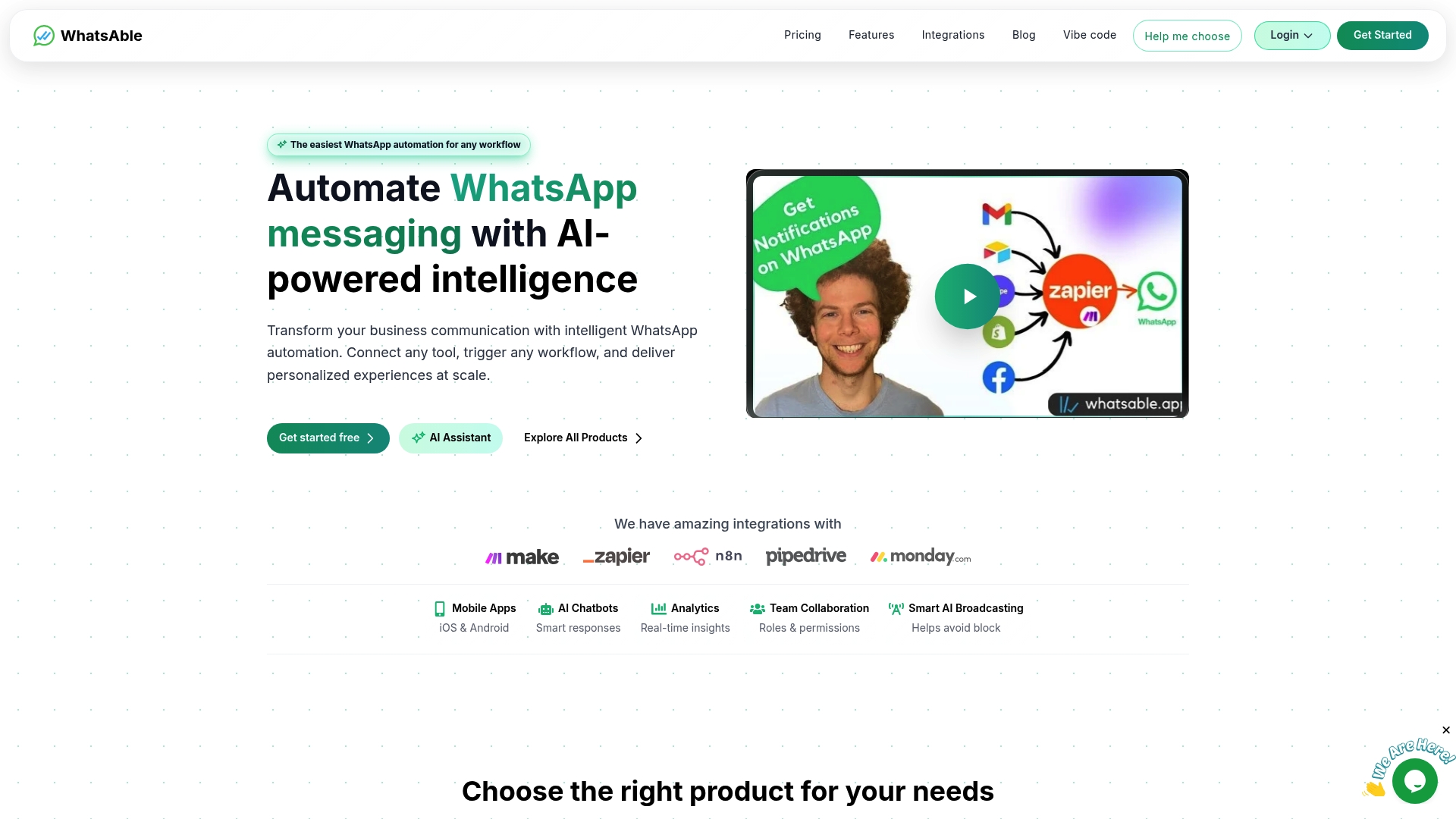
Whatsable lets you send unlimited branded WhatsApp messages, build automated follow-up sequences, and connect your existing tools through Zapier, Make, n8n, and Pipedrive. The Whatsable Bot handles internal team alerts so your staff stays coordinated without manual check-ins. Both products are designed for small business owners who want professional-grade automation without a developer on staff. Visit Whatsable to see how automation turns a well-built profile into a full customer engagement system.
FAQ
Can I use my personal number for WhatsApp Business?
You cannot use the same number for WhatsApp Messenger and WhatsApp Business at the same time. Using a dedicated business number prevents account conflicts and keeps your personal and professional communication separate.
What should I write in my WhatsApp Business description?
Your description has a 256-character limit. Use it to state what you sell, who you serve, and one key differentiator such as fast delivery, a specific location, or a unique product range.
How do greeting messages work in WhatsApp Business?
A greeting message sends automatically when a customer contacts you for the first time or after 14 days of inactivity. It sets expectations for response time and gives customers a next step while they wait.
What is the role of WhatsApp Status in business marketing?
WhatsApp Status reaches only contacts who have saved your number, making it a warm, opt-in channel with no algorithmic suppression. Businesses use it for product launches, limited offers, and social proof to drive conversions from existing contacts.
How many quick replies should I set up?
WhatsApp recommends creating at least five quick replies covering your most common customer questions, such as pricing, hours, shipping, and returns. Quick replies reduce response time and keep your answers consistent across all conversations.
 Elias Navarro