 Whatsable







TL;DR:
- Make WhatsApp integration connects WhatsApp’s Cloud API with Make’s automation platform to streamline personalized business messaging. It improves customer communication, reduces operational costs, enhances marketing efforts, and enables complex event-driven workflows within compliance constraints. Utilizing proper setup, optimization, and tools like Whatsable simplifies deployment and maximizes ROI in high-volume, intelligent automation.
Make WhatsApp integration is defined as the connection between WhatsApp’s Cloud API and Make’s visual automation platform to trigger, route, and personalize business messages without manual effort. For business owners and digital marketing professionals, this combination replaces fragmented communication tools with a single, programmable messaging layer. WhatsApp reaches over two billion active users globally, and Make’s modular workflow builder lets you act on that reach with precision. The benefits of Make WhatsApp integration go well beyond basic messaging. They touch operational costs, customer satisfaction, marketing conversion, and team productivity in ways that generic email or SMS automation simply cannot match.
1. Benefits of Make WhatsApp integration for customer communication
The most direct benefit is the ability to manage every customer conversation from a centralized workflow rather than a scattered inbox. When a customer sends a WhatsApp message, Make can instantly log it, tag it by intent, and route it to the right team member or automated response sequence. Tools like HubSpot connected through Make trigger CRM updates and support tickets automatically from incoming chat activity, which cuts response time from hours to seconds.
WhatsApp’s 24-hour Customer Service Window is the policy that defines when you can reply freely versus when you must use a pre-approved template. Within that window, Make workflows can send personalized, free-form messages that feel human. Outside it, approved templates keep your outreach compliant. Designing your flows to maximize the open window is the single biggest communication efficiency gain most businesses overlook.
Consistency is the other major win. Every customer touchpoint, from order confirmation to support follow-up, uses the same verified business number and brand voice. That consistency builds trust faster than any campaign.
Pro Tip: Set up a Make router module that checks whether a customer’s last inbound message was within 24 hours before deciding which message type to send. This one step prevents policy violations and keeps your account in good standing.
2. Workflow automation and operational cost optimization
Make charges per operation, meaning every module execution in a scenario counts toward your monthly limit. Optimizing operation counts is the core discipline of cost-efficient Make automation. Businesses that ignore this end up paying for wasted steps on contacts who never qualified for the message in the first place.

The practical fix is straightforward. Place filter modules early in your scenarios so disqualified records exit before triggering downstream steps. Consolidate data transformation into single modules where possible. These two habits alone can cut your operation usage by 30 to 50 percent on high-volume WhatsApp workflows.
Here is how a well-structured Make WhatsApp workflow handles common business tasks:
- A trigger fires from your CRM, e-commerce platform, or Google Sheets when a qualifying event occurs.
- A filter checks whether the contact meets the criteria (active customer, within session window, opted in).
- A data aggregator pulls personalized variables such as name, order number, or appointment time.
- The WhatsApp Cloud API module sends the message using either a free-form reply or an approved template.
- A logger records the outcome back to your CRM or spreadsheet for reporting.
Automated scheduled reports are another high-value use case. Daily revenue summaries sent to finance teams via WhatsApp can save up to 500 hours per year, freeing staff for analysis rather than data collection.
Pro Tip: Use Make’s built-in error handlers on your WhatsApp API modules. When a message fails, the handler can reroute the contact to a retry queue instead of silently dropping the record.
3. Marketing and sales outreach that actually converts
Generic broadcast messages are the fastest way to inflate your opt-out rate. Event-driven messaging using behavioral triggers produces the opposite result. Integrating PostHog event data with WhatsApp through Make reduces opt-outs compared to generic broadcasts by sending messages that match exactly what a user just did in your product or on your website.
The mechanics are simple but powerful:
- A user abandons a cart. Make detects the event from your e-commerce platform and sends a WhatsApp message within 15 minutes with the exact product they left behind.
- A lead scores above a threshold in HubSpot. Make triggers a personalized WhatsApp follow-up from the assigned sales rep’s verified number.
- A customer’s subscription is about to expire. Make sends a renewal reminder with a one-tap payment link three days before the deadline.
- A webinar registrant does not attend. Make fires a re-engagement message with the recording link and a limited-time offer.
Rich media support makes each of these touchpoints more effective. You can attach product images, PDF brochures, or short video clips directly through the WhatsApp Cloud API module in Make. A follow-up message with a product image converts at a measurably higher rate than plain text. The benefits of WhatsApp payment integration are also accessible here. Payment links sent via WhatsApp see higher completion rates than those sent by email because the recipient is already in a messaging context where action feels natural.
4. Make vs. Zapier for WhatsApp automation
Both Make and Zapier connect WhatsApp to your business tools, but they serve different operational profiles. Understanding the difference helps you choose the right platform before you build.
| Feature | Make | Zapier |
|---|---|---|
| Pricing model | Operations-based (per module execution) | Task-based (per completed Zap run) |
| Flow design | Visual canvas with branching logic | Linear step-by-step Zap builder |
| WhatsApp support | Native WhatsApp Cloud API module | Third-party apps or webhooks required |
| Multi-step complexity | Handles complex branching natively | Zapier multi-step WhatsApp workflow guide covers basics |
| Best for | High-volume, logic-heavy workflows | Simple, fast-to-deploy automations |
| Cost at scale | Lower per-message cost with optimization | Costs rise linearly with task volume |
The benefits of a Zapier WhatsApp connection are real for teams that need to send WhatsApp messages via Zapier Zap quickly without deep technical setup. Zapier’s interface is faster to learn, and its library of pre-built Zap templates covers most standard use cases. However, when you need conditional logic, error handling, and multi-branch routing, Make’s canvas gives you control that Zapier’s linear builder cannot match. For businesses running high-volume WhatsApp notification tools, Zapier-compatible or Make-compatible, the operation cost model in Make typically wins at scale.
5. Technical setup and compliance essentials
Getting Make WhatsApp integration running correctly requires attention to four areas before you send a single message.
- WhatsApp Cloud API access. You apply through Meta’s developer portal. Approval takes 2 to 4 days, and you will need a verified business phone number that is not already registered to the WhatsApp consumer app.
- Template pre-approval. All outbound automated messages sent outside the 24-hour session window must use pre-approved templates reviewed by Meta within 24 to 48 hours. Templates use structured variables and must match the approved format exactly.
- Session window logic. The 24-hour Customer Service Window resets every time a customer sends a message. Build explicit in-window and out-of-window checks into every Make scenario that handles replies.
- Media handling. WhatsApp media URLs are transient. Re-download and re-host media immediately after receipt so downstream modules in your workflow can access the file reliably.
Skipping the session window check is the most common cause of failed WhatsApp automations. A single router module that evaluates the timestamp of the last inbound message prevents the majority of policy-related delivery failures.
The data source you connect matters as much as the API itself. Make works best when paired with a structured source like Google Sheets, Zoho CRM, or HubSpot, because clean, consistent data is what makes personalization accurate and automation reliable.
Key takeaways
Make WhatsApp integration delivers the highest ROI when workflows are designed around WhatsApp’s session window rules, operation cost optimization, and behavioral triggers rather than generic broadcast logic.
| Point | Details |
|---|---|
| Session window design | Build in-window and out-of-window checks to maximize free-form messaging and stay compliant. |
| Operation cost control | Place filters early in Make scenarios to eliminate wasted steps and control monthly billing. |
| Behavioral triggers | Event-driven messages from tools like PostHog or HubSpot reduce opt-outs and lift conversions. |
| Template pre-approval | Submit all outbound templates to Meta at least 48 hours before your campaign launch date. |
| Media persistence | Re-download WhatsApp media URLs immediately; transient links break downstream automation steps. |
What I’ve learned from building WhatsApp automations in Make
Most businesses approach Make WhatsApp integration as a messaging upgrade. It is actually a workflow architecture decision, and that distinction changes everything about how you build.
The teams I have seen get the most out of this setup share one habit: they map the customer journey before they open Make. They know exactly which events should trigger a message, what the message should contain, and what action they want the customer to take next. Teams that skip this step build automations that send messages at the wrong moment, with the wrong content, and then wonder why engagement is low.
The 24-hour session window is not a limitation to work around. It is a design constraint that forces you to build better conversations. When you know you have a 24-hour window after a customer replies, you prioritize getting a response quickly. That urgency produces faster, more relevant follow-ups, which is exactly what customers want from a business on WhatsApp.
On cost: I have watched companies build Make scenarios with 15 modules that could accomplish the same result in 6. Every extra module is money spent on nothing. Audit your scenarios quarterly. Consolidate where you can. The savings compound quickly at volume.
The one thing I would tell every business owner starting with this integration: automate the routine, but protect the human moments. A customer complaint, a high-value deal, a sensitive support issue. These should route to a person, not a template. The automation earns trust. The human moment keeps it.
— Axel
How Whatsable makes Make WhatsApp integration work for your business
Whatsable is built specifically for businesses that want WhatsApp automation without the complexity of managing raw API connections and compliance rules manually.
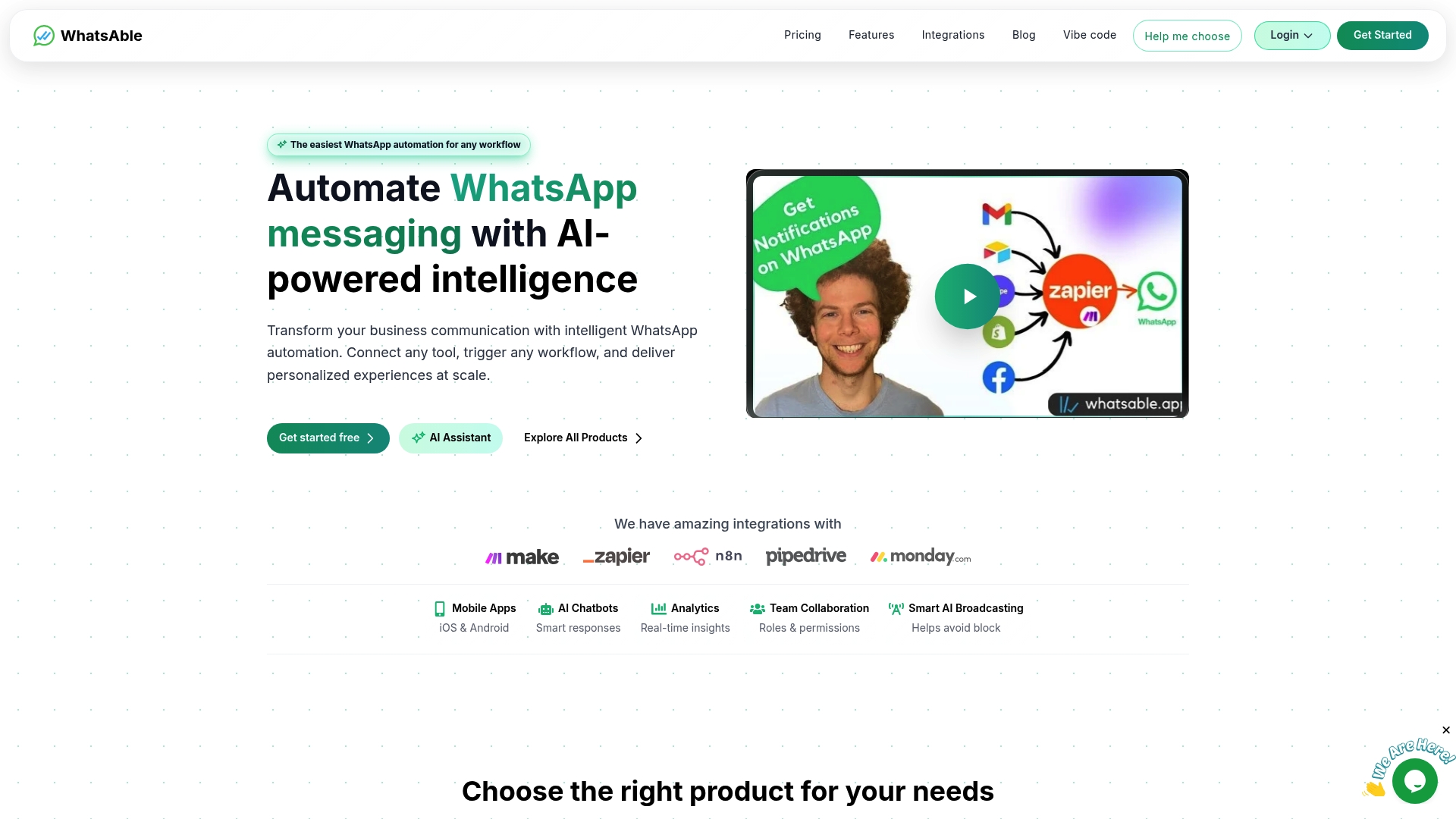
Whatsable connects directly with Make, giving you a pre-configured layer that handles WhatsApp Cloud API authentication, template management, and session window logic out of the box. You focus on designing the workflow logic that drives your business. Whatsable handles the infrastructure that keeps messages delivering reliably. Whether you are running abandoned cart sequences, sales follow-ups, or internal team alerts through Whatsable Bot, the platform scales with your operation without scaling your overhead. Explore WhatsApp automation tools at Whatsable and see how quickly you can move from setup to sending.
FAQ
What is Make WhatsApp integration?
Make WhatsApp integration connects WhatsApp’s Cloud API to Make’s visual automation platform, allowing businesses to trigger, personalize, and route WhatsApp messages based on events in connected apps like CRMs, e-commerce platforms, or spreadsheets.
How does the 24-hour session window affect automation?
The 24-hour Customer Service Window allows free-form replies only within 24 hours of a customer’s last message. Outside that window, all automated messages must use Meta-approved templates.
Is Make or Zapier better for WhatsApp automation?
Make is better for complex, high-volume workflows with branching logic and cost optimization needs. Zapier is faster to set up for simple, linear automations where speed of deployment matters more than operational efficiency.
How long does WhatsApp Cloud API approval take?
API approval takes 2 to 4 days through Meta’s developer portal, and message templates require an additional 24 to 48 hours for review before they can be used in automated outbound campaigns.
Why do WhatsApp media files fail in Make workflows?
WhatsApp media URLs are transient and expire shortly after delivery. The fix is to re-download media immediately after receipt and store it in a persistent location so downstream modules in your Make scenario can access it reliably.

 Mira Okonkwo