 Whatsable







TL;DR:
- WhatsApp automated flows guide customers through static or dynamic options using Navigate or Data Exchange types. Navigate flows use fixed screens for simple tasks, while Data Exchange flows fetch real-time data via APIs for personalized experiences. Building simple Navigate flows first helps businesses gather insights before deploying complex, API-driven Data Exchange flows.
WhatsApp automated menu flows are structured, interactive sequences that guide customers through predefined or dynamic options inside a WhatsApp conversation. The WhatsApp Business Platform formalizes these as Native Flows, split into two core types: Navigate flows and Data Exchange flows. Understanding the types of WhatsApp automated menu flows your business needs determines how fast you deploy, how much backend work you require, and how well customers actually engage. Whatsable builds its automation tools around exactly these distinctions, making the choice between flow types a practical business decision rather than a technical puzzle.
1. What are the types of WhatsApp automated menu flows?
WhatsApp Native Flows divide into Navigate flows and Data Exchange flows, each built for a different level of interaction complexity. Beyond those two, businesses also use chatbot flow types that combine conditional logic, AI reply nodes, and multi-step branching. Each category solves a different problem, and picking the wrong one wastes development time and frustrates customers. The right choice depends on whether your data is static or live, and whether your team can support a backend API.

2. Navigate flows: static menus for simple collection
Navigate flows are the simpler of the two Native Flow types. Navigate flows use static screens with options defined entirely inside Meta’s Flow Builder before the conversation starts. No backend call happens during the interaction. What you build is what the customer sees, every time.
Common applications for Navigate flows include:
- Lead capture forms that collect name, email, and phone number
- Static surveys with fixed answer choices
- Contact forms for support ticket creation
- Event registration with set date and location options
- Feedback collection after a purchase or service interaction
The fixed structure is a feature, not a limitation. When your content does not change based on who is asking or when they ask, a Navigate flow delivers a consistent, fast experience with minimal setup. A retail brand running a post-purchase satisfaction survey gets the same reliable form every time, with no API dependency to break.
Pro Tip: Use Navigate flows whenever your form content is the same for every customer. If you find yourself wanting to show different options based on a customer’s previous answer or account status, that is the signal to move to a Data Exchange flow instead.
3. What are Data Exchange flows and their business applications?
Data Exchange flows are dynamic. Data Exchange flows call custom endpoints during the conversation to fetch or validate live data before showing the next screen. The customer sees options that reflect real conditions at that exact moment.
The most practical business applications include:
- Appointment booking that checks live calendar availability before confirming a slot
- Cascading dropdowns such as country selection that then loads the correct states or cities
- Live inventory checks that show only products currently in stock
- Dynamic pricing that pulls current rates based on customer tier or location
- Email or account validation that confirms whether a user is already registered before proceeding
Backend integration requires APIs to validate data such as appointment slot availability or registration status in real time. That technical requirement means Data Exchange flows take longer to build and need ongoing maintenance. The payoff is a customer experience that feels genuinely personalized rather than generic.
A healthcare clinic using a Data Exchange flow for appointment booking eliminates the back-and-forth of “Is Tuesday at 3 PM available?” The customer sees only open slots, books in one conversation, and receives a confirmation. That is the kind of experience that drives repeat engagement.
Pro Tip: Invest in Data Exchange flows when incorrect or outdated information would cause a real problem, such as double-booking, out-of-stock purchases, or failed registrations. For everything else, a Navigate flow ships faster and costs less to maintain.
4. Other WhatsApp chatbot flow types and interactive elements
Beyond Native Flows, businesses build WhatsApp chatbot flows using visual drag-and-drop builders that combine multiple node types into complex conversational logic. These builders treat each step in a conversation as a node, and you connect nodes to create branching paths.
The most useful node types include:
- Message nodes that send text, images, or documents
- Button nodes that present up to 3 quick-reply options
- List nodes that display a scrollable menu of choices
- Input nodes that collect free-text responses
- Condition nodes that branch the flow based on a customer’s answer
- Delay nodes that pause before sending the next message
- API Call nodes that pull or push data to external systems
- AI Reply nodes that generate context-aware responses
- Loop nodes that repeat a sequence until a condition is met
- Go to Subflow nodes that hand off to a separate flow module
- End nodes that close the conversation cleanly
Interactive elements like buttons and lists make flows intuitive and reduce the chance a customer types something the system cannot parse. These chatbot flow types complement Native Flows rather than replace them. A business might use a Navigate flow to collect initial information, then hand the conversation to a chatbot flow that routes the customer to the right department based on their answers.
5. How to choose the right WhatsApp automated menu flow for your business
Choosing the right flow type reduces development time and produces a better customer experience. The decision comes down to three questions: How complex is your data? Do you need real-time validation? What technical resources does your team have?
| Flow type | Best for | Technical need | Time to deploy |
|---|---|---|---|
| Navigate flow | Static forms, surveys, lead capture | None | Fast |
| Data Exchange flow | Booking, inventory, dynamic pricing | Backend API | Moderate to high |
| Chatbot flow | Multi-step logic, routing, AI replies | Low to moderate | Moderate |
Small businesses with no developer resources should start with Navigate flows. The setup is visual, the logic is fixed, and the results are immediate. A local service business can collect leads, run surveys, and register customers for events without writing a single line of code.
Mid-size companies with a development team should evaluate Data Exchange flows for any use case where live data matters. The workflow automation ROI from replacing manual booking or inventory checks with a Data Exchange flow compounds quickly as volume grows.
Enterprises and agencies building multi-department communication systems benefit most from combining all three types. A chatbot flow handles routing, a Navigate flow collects static information, and a Data Exchange flow confirms live details. Each type does what it does best.
6. Best practices for designing effective WhatsApp automated menus
Effective automated WhatsApp menus prioritize clear options, minimal steps, and input validation to prevent customers from dropping off mid-flow. The design principles that separate high-performing flows from abandoned ones are straightforward.
Design dos:
- Keep each screen to one question or one decision
- Use button options instead of free-text input wherever possible
- Add input validation so customers cannot submit incomplete data
- Write option labels in plain language, not internal jargon
- Test every path, including error states and edge cases
- Collect user feedback after launch and iterate based on drop-off points
Design don’ts:
- Do not stack multiple questions on one screen
- Do not use more than three button options per message
- Do not skip error messages when a customer enters invalid data
- Do not build a flow longer than necessary to complete the task
- Do not launch without testing on a real device
A practical example: an appointment booking flow should show available dates first, then times, then a confirmation screen. Three screens, one decision each. A product survey should ask one question per screen with button answers. Both follow the same principle: fewer steps, clearer choices, faster completion.
CRM integrations that connect your WhatsApp flows to your customer database let you pre-fill known information, reducing the number of questions a returning customer has to answer. That single change measurably improves completion rates.
Pro Tip: Run your flow through at least five real test conversations before going live. Edge cases you never anticipated in design become obvious the moment a real person interacts with the flow.
Key takeaways
WhatsApp Native Flows split into Navigate and Data Exchange types, and choosing between them based on data complexity and technical resources is the single most important decision in building effective automated menus.
| Point | Details |
|---|---|
| Navigate flows suit static needs | Use them for lead capture, surveys, and contact forms with no backend required. |
| Data Exchange flows enable live data | They call APIs in real time for booking, inventory, and dynamic pricing scenarios. |
| Chatbot flows add conditional logic | Node-based builders handle routing, AI replies, and multi-step branching beyond Native Flows. |
| Flow selection drives deployment speed | Matching flow type to complexity reduces build time and improves customer experience. |
| Design simplicity reduces drop-off | One question per screen, button inputs, and input validation keep customers moving forward. |
What I’ve learned from watching businesses get WhatsApp flows wrong
Most businesses I’ve seen struggle with WhatsApp flows make the same mistake: they try to build a Data Exchange flow before they have a working Navigate flow. They skip the simple version and go straight for the dynamic, API-connected experience because it sounds more impressive. Then the backend breaks, the flow fails in testing, and the whole project stalls for weeks.
The smarter path is to launch a Navigate flow first. Get real customers using it. Watch where they drop off. Understand what questions they actually ask. Then, and only then, build the Data Exchange version with live data. You will build it faster because you already know what the customer needs.
The AI Reply node is the piece I am most excited about for 2026. When a customer types something outside the expected flow, an AI node can interpret the intent and route them correctly instead of returning an error. That single node changes the failure mode of a WhatsApp flow from “dead end” to “handled gracefully.” Businesses that add AI Reply nodes to their existing flows will see measurable drops in conversation abandonment.
The WhatsApp Business Platform is still maturing. The businesses that win are the ones treating their flows as products: versioned, tested, and improved based on data. Not set-and-forget automations, but living systems that get better every month.
— Axel
How Whatsable helps you build WhatsApp flows faster
Whatsable gives businesses a visual flow builder connected directly to the WhatsApp Cloud API, so you can create Navigate flows, Data Exchange flows, and chatbot automations without managing infrastructure yourself. The platform supports Zapier, Make, n8n, and Pipedrive integrations, which means your flows connect to the tools your team already uses.
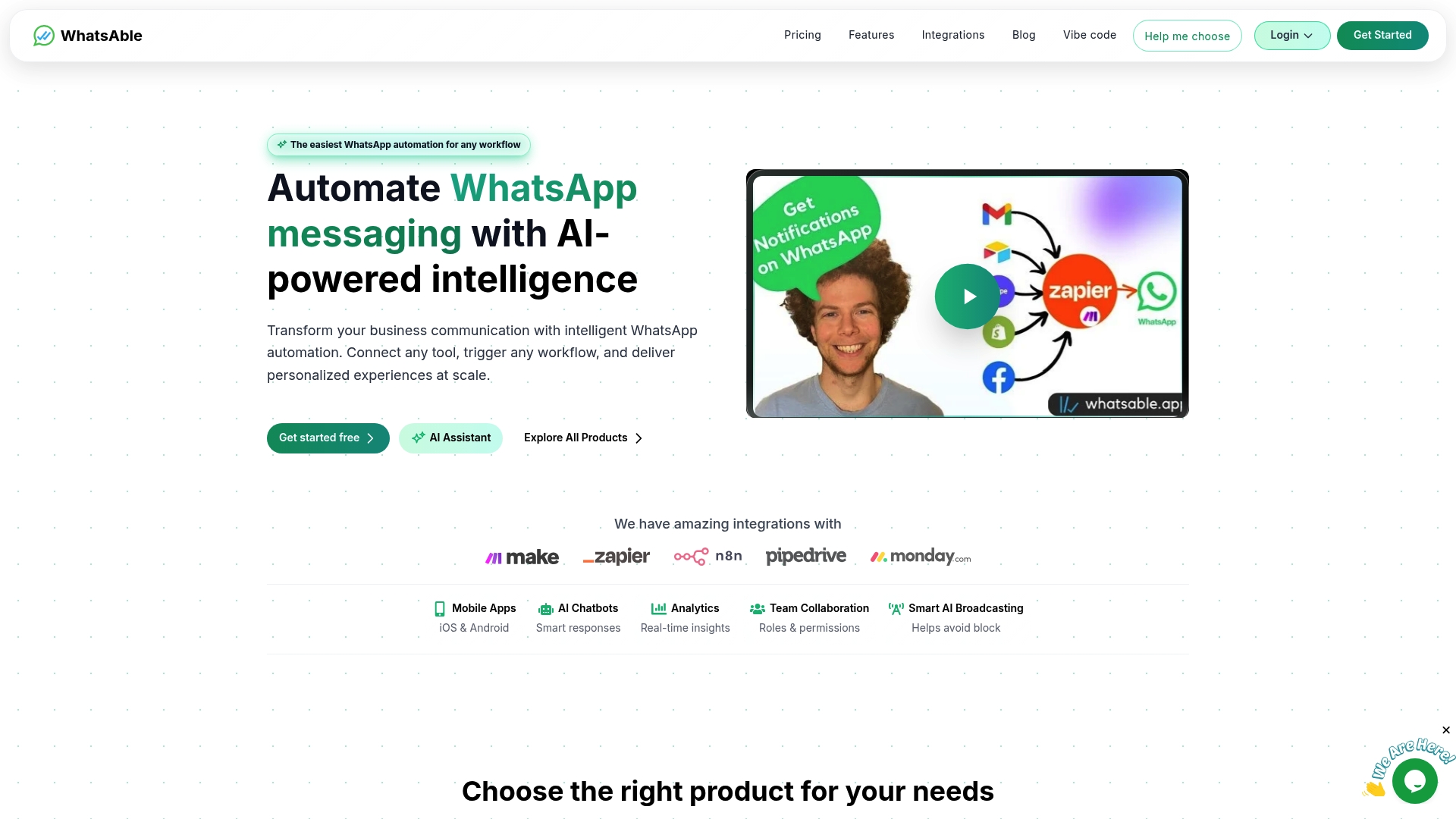
Whether you are a small business launching your first lead capture form or an enterprise building a multi-department routing system, Whatsable scales to the complexity you need. Whatsable handles bulk messaging and follow-up sequences, while Whatsable Bot covers internal team notifications. Check Whatsable’s pricing plans to find the right tier for your team’s volume and use case. For businesses ready to add AI to their flows, Whatsable’s AI automation builds on the same platform.
FAQ
What are the two main types of WhatsApp Native Flows?
WhatsApp Native Flows divide into Navigate flows and Data Exchange flows. Navigate flows use static, predefined screens, while Data Exchange flows call backend APIs to deliver dynamic, real-time content.
When should a business use a Data Exchange flow instead of a Navigate flow?
Use a Data Exchange flow when your content changes based on live data, such as appointment availability, current inventory, or account-specific pricing. Navigate flows are the right choice when the same options apply to every customer.
How many button options can a WhatsApp flow screen display?
WhatsApp button messages support up to 3 quick-reply options per message. For longer lists of choices, list nodes provide a scrollable menu format.
Can WhatsApp flows integrate with CRM systems?
Yes. Platforms that support API Call nodes or native integrations with tools like Zapier, Make, and Pipedrive can connect WhatsApp flows directly to CRM databases for data pre-fill and lead routing.
What is the fastest way to start creating WhatsApp automated menus?
Start with a Navigate flow using a visual builder that connects to the WhatsApp Cloud API. Static flows require no backend development and can go live quickly, giving you real customer data to inform more complex builds later.

 Elias Navarro
 Mira Okonkwo