 Whatsable







TL;DR:
- A support ticket via WhatsApp transforms informal messages into structured, trackable cases inside a help desk platform using the WhatsApp Business API. This integration enforces accountability, routing, SLA enforcement, and comprehensive reporting, making it a vital support channel. Manual handling cannot scale or ensure data integrity, so proper API setup and automation are essential for effective customer support.
A support ticket via WhatsApp is a formal customer service record created when a WhatsApp message is captured and converted into a trackable case inside a help desk platform. This process relies on the WhatsApp Business API to connect incoming chats with tools like Zendesk, BoldDesk, or InvGate, turning informal messages into structured workflows with owners, priorities, and resolution histories. For business owners and support teams, understanding this distinction matters because WhatsApp alone is just messaging. The real operational value only appears once those messages feed into a ticketing system that enforces accountability and reporting.
What is a support ticket via WhatsApp, exactly?
A support ticket via WhatsApp is the industry term for what customer service professionals call a channel-sourced ticket, where the originating channel happens to be WhatsApp rather than email or a web form. When a customer sends a message to your WhatsApp Business number, the WhatsApp Business API passes that message to your connected help desk. The help desk then creates a ticket record automatically, complete with a unique ID, timestamp, and the full conversation thread.

The ticket record functions identically to any ticket created from email or live chat. It carries an assignee, a status (open, pending, resolved), a priority level, and a complete audit trail. Platforms like BoldDesk and InvGate treat WhatsApp as one unified channel alongside every other support channel, which means your team works from a single queue rather than switching between apps.
What separates this from simply reading WhatsApp messages is structure. Without a ticket system, a message can be read, forgotten, or answered inconsistently by whoever happens to see it first. With a ticket system, every message becomes a case that must be resolved, tracked, and reported on.
How does WhatsApp convert messages into support tickets?
The conversion process follows a defined sequence once your WhatsApp Business API account is connected to a compatible help desk platform. Here is how it works in practice:
- Customer sends a message. The customer contacts your official WhatsApp Business number with a question, complaint, or request.
- API captures the message. The WhatsApp Business API receives the message and forwards it to your help desk via a webhook or native integration.
- Ticket is created automatically. The help desk generates a ticket record, attaching the conversation history and customer contact details.
- Routing and assignment occur. Keyword-based routing and categorization assign the ticket to the right team or agent based on rules you configure. A message containing “billing” routes to finance; one containing “technical error” routes to your IT team.
- Agent replies from the help desk. The agent types a response inside the help desk interface. That response is delivered back to the customer through WhatsApp, so the customer never knows the agent is working from a different tool.
- Ticket closes with a full history. Once resolved, the ticket stores the entire conversation, resolution time, and agent notes for future reference and reporting.
This workflow is what separates a WhatsApp ticketing system from a shared WhatsApp group or a single-agent phone. The shared inbox and centralized reporting mean that any agent can pick up a conversation mid-thread without losing context, and managers can pull SLA reports at any time.
Pro Tip: Configure keyword triggers for your top five most common request types before going live. Automated routing on day one prevents the manual triage backlog that slows most new implementations.
What are the benefits of managing support tickets via WhatsApp?
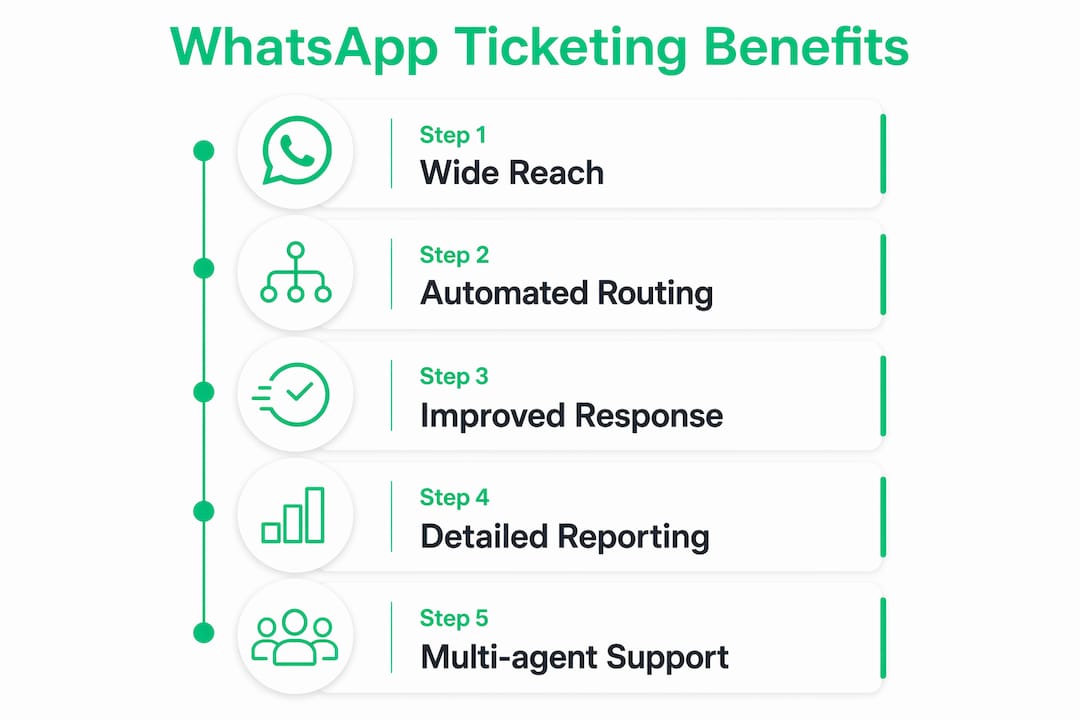
The operational case for a WhatsApp support ticket system is built on four concrete advantages:
- Centralized queue ownership. Centralized queue management and ticket ownership prevent missed messages and inconsistent replies. Every incoming WhatsApp message has a named owner within seconds of arrival.
- SLA enforcement. Automated ticketing systems apply response time rules that simple WhatsApp messaging cannot. If a ticket sits unresolved beyond your defined threshold, the system escalates it automatically.
- Audit-ready conversation histories. Every exchange is logged, timestamped, and searchable. This matters for regulated industries and for any business that needs to review what was promised to a customer.
- Scalability across multiple agents. A single WhatsApp number can serve dozens of agents simultaneously through a shared inbox. Without ticketing integration, that same number can realistically be managed by one person at a time.
WhatsApp’s user base makes this channel particularly valuable. The platform’s familiarity and ubiquity mean customers are more likely to initiate contact and respond quickly compared to email. Higher engagement rates translate directly into faster resolution cycles when the back end is structured correctly.
The reporting benefit is worth emphasizing separately. A properly integrated WhatsApp ticketing system gives your support manager data on volume by hour, resolution time by agent, and ticket category distribution. That data is invisible when support happens through unstructured WhatsApp chats.
Manual vs. automated WhatsApp ticketing: which one actually works?
Many businesses start by manually copying WhatsApp conversations into a spreadsheet or a basic help desk. This approach has a ceiling, and it is lower than most teams expect.
| Feature | Manual ticket creation | Automated API integration |
|---|---|---|
| Ticket creation speed | Minutes to hours (human dependent) | Instant (triggered on message receipt) |
| Conversation history | Partial, copy-paste dependent | Complete, auto-attached |
| SLA tracking | Not possible without extra tools | Built into help desk natively |
| Multi-agent support | One person per number | Unlimited agents via shared inbox |
| Routing and escalation | Manual reassignment | Rule-based, keyword-triggered |
| Audit trail | Incomplete | Full, timestamped, exportable |
Manual ticket creation from WhatsApp chats lacks the automation benefits that make help desk integration worthwhile. The data loss alone is significant: agents copying messages miss attachments, lose timestamps, and introduce transcription errors. More critically, manual processes cannot enforce SLAs because there is no system watching the clock.
Automated API integration solves all of these gaps. The multi-agent inbox, routing, SLAs, and audit-ready histories are native features of the integration, not add-ons you configure later. For any business handling more than 20 WhatsApp support messages per day, manual creation is not a viable long-term approach.
Pro Tip: If you are currently managing WhatsApp support manually, export three months of chat logs and count how many conversations ended without a resolution confirmation. That number is your business case for automation.
How to set up a WhatsApp support ticket system
Setting up a functional WhatsApp ticketing workflow requires three components working together: an official WhatsApp Business API account, a compatible help desk platform, and a defined set of routing rules.
- Apply for WhatsApp Business API access. You need an approved Business API account through Meta’s official channels or a Meta Business Solution Provider. WhatsApp does not provide public support phone numbers, and unofficial workarounds expose your business to scam risks and policy violations.
- Choose a compatible help desk platform. Platforms like Zendesk, BoldDesk, and InvGate all offer official API integration with WhatsApp. Your choice depends on your existing tech stack, team size, and reporting requirements. Whatsable also provides direct WhatsApp automation infrastructure that connects to these workflows.
- Connect WhatsApp to your help desk. Most platforms provide a native WhatsApp integration or a webhook-based connection. Follow the platform’s setup documentation to link your Business API number to the shared inbox.
- Design your ticket categories and routing rules. Define the issue types your team handles most often, then build keyword triggers or menu-based flows that route incoming messages to the right queue automatically.
- Configure SLA policies. Set response time targets for each ticket priority level. The system will flag or escalate tickets that breach these thresholds.
- Train your team on the shared inbox. Agents need to understand that all WhatsApp replies must go through the help desk interface, not through a personal WhatsApp account. Mixing channels breaks the audit trail.
- Review AI-generated responses carefully. Meta notes that WhatsApp support messages may be AI-generated and labeled accordingly, with options to report inaccuracies. Build human review checkpoints into any AI-assisted response workflow to maintain accuracy and compliance.
The governance, audit logs, and consistent workflows that come from proper API integration are what justify the setup investment. Businesses that skip official channels in favor of third-party workarounds sacrifice these protections entirely.
Key takeaways
A support ticket via WhatsApp only delivers its full operational value when WhatsApp Business API integration connects incoming messages to a help desk platform with routing, SLA enforcement, and centralized reporting.
| Point | Details |
|---|---|
| Definition is precise | A WhatsApp support ticket is a help desk record created from an incoming WhatsApp message via API integration. |
| API integration is non-negotiable | Without WhatsApp Business API, there is no automated ticket creation, routing, or SLA tracking. |
| Manual creation has hard limits | Manual copy-paste workflows lose data, miss SLAs, and cannot scale beyond one agent per number. |
| Official channels prevent scams | Use only Meta-approved API access and verified help desk integrations to protect your business and customers. |
| AI responses need human oversight | AI-generated WhatsApp replies must be reviewed and escalated to human agents when accuracy or compliance is at stake. |
Why the integration layer is the part most businesses underestimate
I have reviewed a lot of WhatsApp support setups, and the pattern I see most often is this: a business invests in a good help desk platform, connects WhatsApp as an afterthought, and then wonders why the ticketing system feels clunky. The problem is almost never the help desk. It is the integration layer between WhatsApp and the platform.
The quality of your webhook configuration, your routing rules, and your keyword triggers determines whether WhatsApp becomes a genuine support channel or just another inbox someone checks occasionally. I have seen teams at mid-sized e-commerce companies cut their average resolution time by more than a third simply by rebuilding their routing logic, without changing any other part of their stack.
The other thing worth saying plainly: do not let AI-generated responses run unsupervised in a customer-facing WhatsApp channel. Meta’s own guidance notes that AI-enhanced support should include escalation triggers to human agents and maintain conversation context. A customer who receives a confidently wrong AI response and cannot reach a human is a customer who leaves a public review about it.
WhatsApp’s reach is genuinely useful for support. Over two billion people use it, and they respond to WhatsApp messages faster than email. But that reach only converts into support efficiency when the back end is built correctly. The customer support workflow improvements that matter most come from structure, not from the channel itself.
— Axel
How Whatsable helps you build a WhatsApp ticketing workflow
If you are ready to move beyond manual WhatsApp management, Whatsable gives your team the automation infrastructure to make it work at scale.
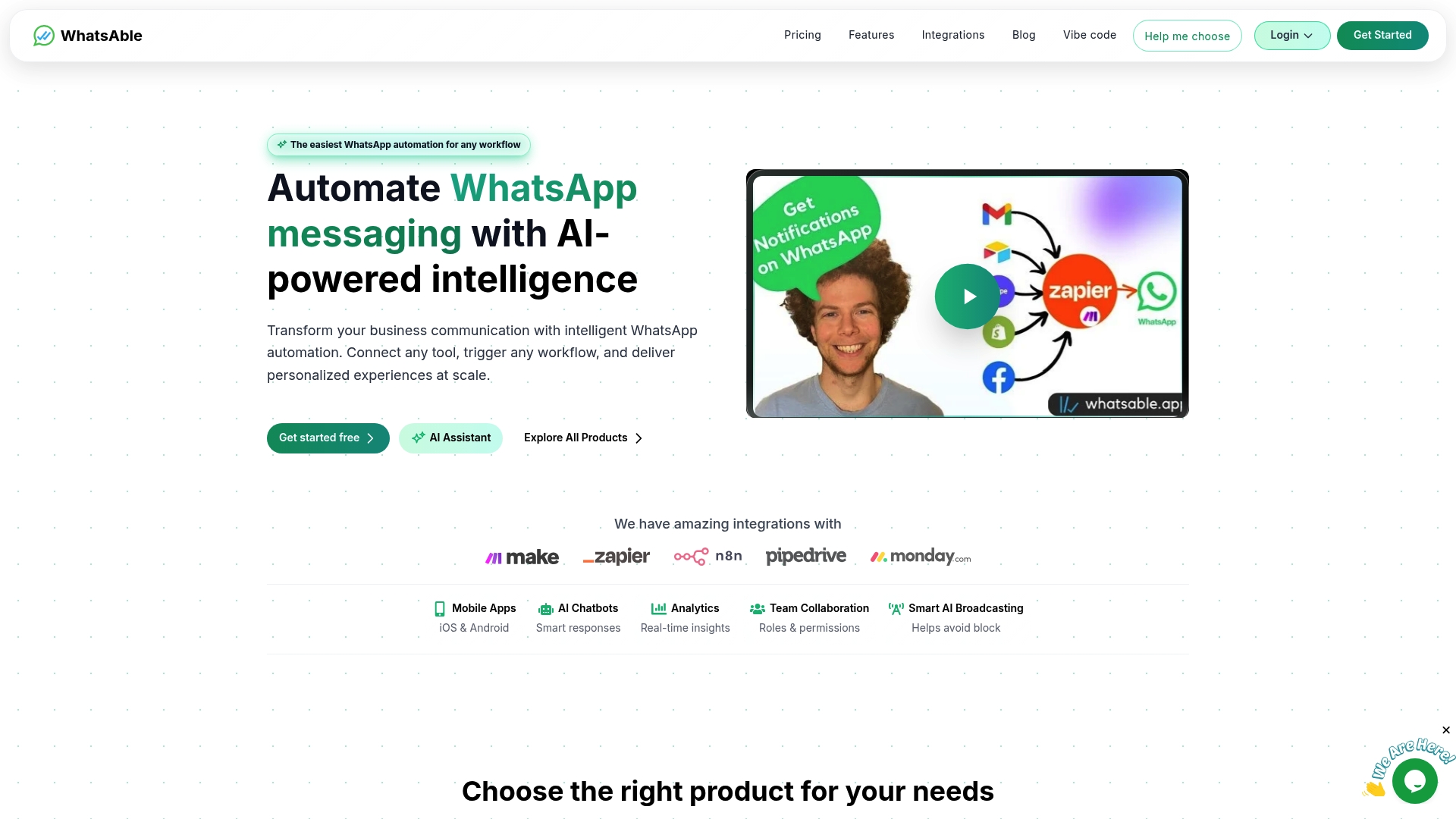
Whatsable’s platform connects your WhatsApp Business number to automated message routing, follow-up sequences, and centralized inbox management. Whatsable handles message-to-ticket workflows with integrations for Zapier, Make, n8n, and Pipedrive, so your existing tools stay connected. Whatsable Bot covers internal team notifications, keeping your agents updated without adding manual steps. Whether you are a small support team handling 50 tickets a day or a larger operation managing multiple product lines, Whatsable’s automation platform gives you the structure your WhatsApp support channel needs to perform like a real help desk.
FAQ
What is a WhatsApp ticketing system?
A WhatsApp ticketing system is a help desk integration that automatically converts incoming WhatsApp messages into trackable support tickets with owners, priorities, and resolution histories. It requires a WhatsApp Business API account connected to a compatible platform like Zendesk, BoldDesk, or InvGate.
How do I create a WhatsApp support ticket?
Ticket creation is automatic once your WhatsApp Business API account is connected to a help desk platform. Every incoming customer message triggers a new ticket record without any manual input from your team.
Can multiple agents handle WhatsApp support tickets at the same time?
Yes. A properly integrated WhatsApp ticketing system routes all messages into a shared inbox that multiple agents can access simultaneously. Without API integration, a single WhatsApp number is effectively limited to one active user at a time.
Is it safe to use unofficial WhatsApp channels for customer support?
No. WhatsApp does not provide public customer support phone numbers, and unofficial channels expose both your business and your customers to scam risks. Always use Meta-approved Business API access and verified help desk integrations.
Do AI-generated WhatsApp support responses need human review?
Yes. Meta labels AI-generated responses and provides options to report inaccuracies. Any AI-assisted WhatsApp support workflow should include human escalation triggers to catch errors before they reach customers.
 Elias Navarro