 Whatsable







TL;DR:
- WhatsApp Business labels organize conversations by customer lifecycle stages and can be system-generated or custom-designed. Businesses often use up to 15 custom labels within the 20-label limit to track contact status, with automation recommended for high-volume accounts. Proper management involves real-time application, quarterly audits, and CRM integration to prevent clutter and enhance scalability.
WhatsApp Business labels are customizable tags that organize conversations by customer lifecycle stage or status, giving business owners a structured way to manage communication at scale. The types of WhatsApp Business label organization uses fall into two broad categories: the five default system labels built into the app, and up to 15 custom labels you create yourself. WhatsApp Business provides 20 label slots total, including five defaults: New Customer, New Order, Pending Payment, Paid, and Order Complete. That 20-slot ceiling is not a suggestion. It is the hard boundary that shapes every labeling decision your business makes.

1. What are the main types of WhatsApp Business label organization uses?
WhatsApp Business label types divide cleanly into system labels and custom labels. System labels are pre-loaded and cover the most common transactional stages. Custom labels let you map your own customer journey on top of that foundation.
The five default system labels cover order-based workflows:
- New Customer — first contact or first purchase
- New Order — order received and being processed
- Pending Payment — invoice sent, payment not yet received
- Paid — payment confirmed
- Order Complete — fulfillment finished
Custom labels extend the system into sales, support, and retention. Labels function like digital sticky notes that categorize chats by status or customer type. Common custom examples include VIP Customer, Payment Pending, Support Request, and Follow-up Required.
The most effective custom label structure follows the customer lifecycle. A 7-label lifecycle system covers 95% of small business use cases: New Lead, Hot Lead, Customer, At Risk, Lost, Support Open, and Support Closed. That set tracks a contact from first inquiry through retention risk and back to active status, without wasting slots on attributes like city or product category.
Color coding reinforces the system. WhatsApp assigns a color to each label, and consistent color logic (green for active customers, red for at-risk) lets your team scan a contact list and read status at a glance.
2. How to set up and manage WhatsApp Business labels effectively
Label setup inside the WhatsApp Business app takes under five minutes. The process is direct and requires no technical background.
- Open WhatsApp Business and go to Settings.
- Tap Labels, then the + icon to create a new label.
- Name the label, assign a color, and save.
- During any conversation, long-press the chat or open the chat menu and select Label Chat.
- Apply one or more labels from your list.
Pro Tip: Use short, consistent naming conventions. “Sup-Open” beats “Support Ticket Currently Open” because it fits on a mobile screen without truncation and takes less time to scan.
Applying labels during the conversation reduces mental load and prevents overlooking sales phases. Batch tagging at the end of the day introduces errors. A customer who moved from Hot Lead to Customer during a morning call should get that label updated before the next message goes out.
Quarterly label audits prevent interface clutter, since WhatsApp does not auto-archive labels. Schedule a 30-minute review every quarter. Delete labels with zero active contacts. Rename labels that no longer match your workflow. This keeps the system clean and reduces the chance of applying the wrong tag under pressure.
Multi-dimensional labeling leads to label exhaustion and clutter. Restrict your labels to one dimension: customer lifecycle stage. Store location, product type, or campaign source in your CRM or a spreadsheet instead.
3. What advanced label organization strategies should businesses know?
The native WhatsApp Business label system has real limits. Understanding them early saves you from rebuilding your workflow at the worst possible time.
The 20-label cap is the most obvious constraint. The app also lacks folder hierarchies, sub-labels, and any form of conditional logic. You cannot create a label that only appears for contacts in a specific region or product category. Every label applies globally across all chats.
“Labels are a triage tool, not a CRM. The moment you start using them to store attributes like city, product line, or campaign source, you have crossed into CRM territory — and WhatsApp will run out of slots before you run out of attributes to track.”
Businesses managing over 500 contacts should use CRM integration. Spending more than 30 minutes daily on manual sorting is the clearest signal that native labels have reached their limit. At that point, the problem is not how you label. The problem is that labeling manually does not scale.
The WhatsApp Business API allows automated label management via CRM integration. Labels can be assigned automatically based on predefined rules or AI, removing the manual step entirely. A contact who completes a purchase in your e-commerce store can receive the “Paid” and “Order Complete” labels within seconds, without anyone touching the WhatsApp app. Platforms that support marketing automation can trigger these label changes based on CRM events, making the system self-maintaining.
The pitfall most businesses hit before reaching that point is what practitioners call “label soup.” You start with a clean lifecycle system, then add a label for a campaign, then one for a city, then one for a product. Within six months, you have 18 labels, no one remembers what half of them mean, and contacts carry three or four conflicting tags. The fix is not adding more labels. The fix is enforcing a single-dimension rule from day one.
4. Situational recommendations: choosing label types by business size
Label strategy is not one-size-fits-all. The right structure depends on your volume, industry, and how your team communicates with customers.
Small businesses (under 200 contacts)
The 7-label lifecycle system is the right starting point. New Lead, Hot Lead, Customer, At Risk, Lost, Support Open, and Support Closed cover nearly every interaction type. Add one or two situational labels if your business has a specific workflow step that does not fit those seven. Do not add more.
E-commerce and Shopify stores
Order-based workflows benefit from the default system labels plus a few targeted custom additions:
- VIP Customer — repeat buyers or high-value accounts
- Order Shipped — fulfillment in transit
- Refund Requested — open dispute or return
- Abandoned Cart — follow-up sequence triggered
Keep the total under 12 labels. E-commerce teams that try to label by product category burn through their 15 custom slots in weeks.
Service businesses (agencies, consultants, clinics)
Service workflows center on appointment and project stages. Useful labels include Quote Sent, Appointment Booked, Project Active, Invoice Sent, and Support Open. Businesses in the technology sector often add a “Onboarding” label to track new clients moving through setup phases.
Large enterprises
Large teams should not rely on native labels at all. The manual overhead is too high, and the 20-label cap becomes a bottleneck quickly. The right move is migrating to a CRM connected via the WhatsApp Business API. Automated label assignment, contact segmentation, and message targeting all become possible at that level. Native labels can still serve as a quick visual reference for frontline agents, but the source of truth lives in the CRM.
| Business type | Recommended label count | Primary label focus |
|---|---|---|
| Small business | 7 | Customer lifecycle stages |
| E-commerce store | 10–12 | Order and payment status |
| Service firm | 8–10 | Appointment and project stages |
| Large enterprise | Minimal native, CRM-driven | Automated via API |
Key Takeaways
The most effective WhatsApp Business label organization restricts labels to one dimension, the customer lifecycle, and audits that system quarterly to prevent clutter and errors.
| Point | Details |
|---|---|
| Stick to one dimension | Label by customer lifecycle stage only; store other attributes in a CRM or spreadsheet. |
| Use the 7-label system | New Lead through Support Closed covers 95% of small business use cases without hitting the cap. |
| Label during conversations | Apply labels in real time to prevent missed stage transitions and reduce manual errors. |
| Audit every quarter | WhatsApp does not auto-archive labels; quarterly pruning keeps the system accurate. |
| Scale with API integration | Businesses managing over 500 contacts should automate label assignment via CRM and the WhatsApp Business API. |
Labels work best when they reflect how your team actually thinks
Most articles on WhatsApp Business labels stop at “here are the default five.” That misses the real challenge, which is behavioral, not technical.
The businesses I have seen get the most out of their label system share one habit: they treat labeling as part of the conversation, not a task they do afterward. A sales rep who updates a label from Hot Lead to Customer the moment a deal closes gives the next person in the thread instant context. A rep who batches labels at 5:00 PM introduces a window where the wrong message goes to the wrong person.
The other pattern I have noticed is that teams resist simplicity. There is always pressure to add one more label for a new campaign or a new product line. That pressure is worth resisting. A label system with 18 tags that nobody maintains is worse than a 7-label system that everyone uses correctly. The goal is not completeness. The goal is clarity.
CRM integration is not a luxury for growing businesses. It is the natural next step once manual sorting takes more than 30 minutes a day. The label system in native WhatsApp Business is genuinely useful for teams under 200 contacts. Beyond that, you are fighting the tool instead of using it. The API exists precisely for that transition, and the sooner you plan for it, the less painful the migration becomes.
Labels enhance the human relationship by giving your team context before they type a single word. They do not replace judgment. They just make sure judgment is applied to the right person at the right time.
— Axel
How Whatsable fits into your WhatsApp label strategy
Growing beyond native WhatsApp labels does not mean starting over. Whatsable connects directly to your existing workflows and automates the label management that your team currently handles by hand.
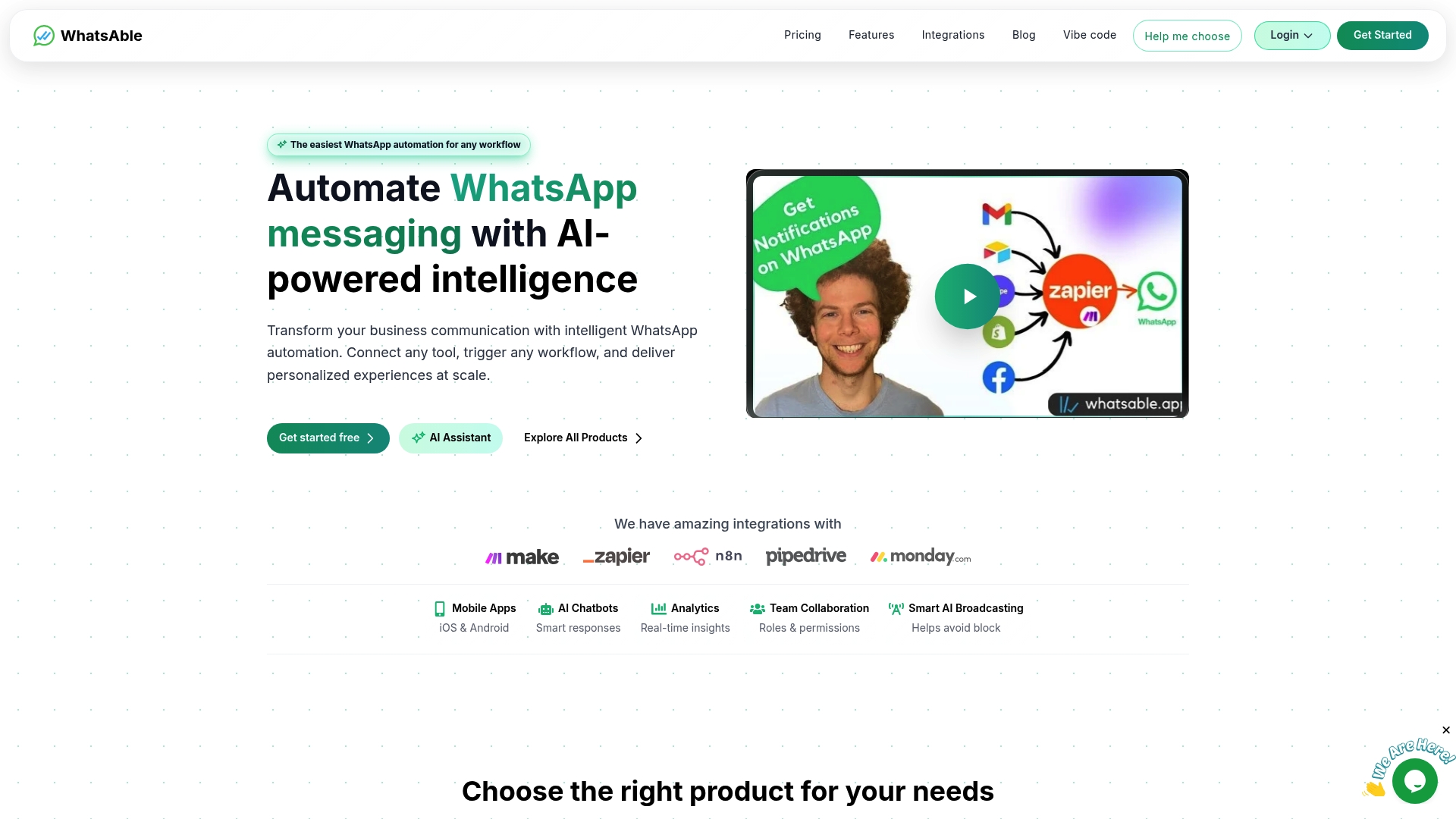
Whatsable integrates with Zapier, Make, n8n, and Pipedrive, so label changes can trigger automatically based on CRM events, purchase activity, or support ticket status. The platform also supports bulk messaging with AI-powered chatbots, giving you the targeting precision that manual labels cannot deliver at scale. Whatsable’s pricing plans are built for businesses at every stage, from small teams running a 7-label lifecycle system to enterprise operations that need full API automation. If your team spends more than 30 minutes a day sorting contacts by hand, Whatsable is the direct fix.
FAQ
How many labels can you create in WhatsApp Business?
WhatsApp Business provides 20 label slots total: five default system labels and 15 custom labels you create yourself.
What are the default WhatsApp Business labels?
The five default labels are New Customer, New Order, Pending Payment, Paid, and Order Complete. These cover basic transactional workflows out of the box.
How do you use WhatsApp labels without creating clutter?
Restrict labels to one dimension, typically the customer lifecycle stage, and run a quarterly audit to remove unused tags. Avoid labeling by location, product, or campaign source inside WhatsApp.
When should a business move beyond native WhatsApp labels?
Businesses managing over 500 contacts or spending more than 30 minutes daily on manual sorting should migrate to a CRM integrated via the WhatsApp Business API.
Can WhatsApp Business labels be assigned automatically?
The WhatsApp Business API enables automated label assignment through CRM integration, using predefined rules or AI to tag contacts without manual input.

 Elias Navarro