 Whatsable







TL;DR:
- Automating WhatsApp messaging requires strict adherence to compliance standards, including obtaining explicit opt-in and using only Meta-approved APIs.
- Implementing comprehensive consent, data protection, and real-time suppression management ensures legal and platform safety while building customer trust.
Meta’s platform policies update regularly, global privacy laws carry real financial teeth, and a single misstep can get your business number permanently blacklisted. For medium to large enterprises, the stakes are especially high: your messaging volume is greater, your data exposure is wider, and the cost of a suspended account touches revenue directly.
Table of Contents
- 1. Obtain explicit, segmented opt-in from customers
- 2. Use only Meta-approved WhatsApp Business APIs for automation
- 3. Implement robust data protection and GDPR-compliant AI automation
- 4. Maintain real-time suppression lists and monitor message quality
- 5. Comparing WhatsApp automation compliance options and best practices
- Why strict WhatsApp automation compliance is your enterprise’s competitive advantage
- Streamline your WhatsApp automation compliance with Whatsable
- Frequently asked questions
Key Takeaways
| Point | Details |
|---|---|
| Segmented opt-in consent | Clear, category-specific opt-in consent is the foundation to prevent WhatsApp quality flags and comply with Meta policies. |
| Use official WhatsApp APIs | Only Meta-approved WhatsApp Business APIs ensure automation compliance and protect your account from bans. |
| GDPR-compliant AI | Leverage enterprise API integrations with zero-retention Data Processing Agreements to maintain GDPR compliance in AI-powered automation. |
| Real-time suppression checks | Perform API-level suppression list checks before sending to avoid opt-out message errors that damage quality scores. |
| Compliance as a competitive edge | Rigorous adherence to WhatsApp policies and privacy laws builds customer trust and marketing effectiveness. |
1. Obtain explicit, segmented opt-in from customers
Every automated WhatsApp program lives or dies on consent. Not vague consent buried in terms and conditions, but explicit, category-specific opt-in that tells customers exactly what kind of messages they are agreeing to receive.
Meta distinguishes between message categories: marketing, utility, authentication, and service. If a customer opts in for order updates, that does not authorize you to send promotional campaigns. Poor consent practices lead to 7-day quality flags and tier demotions that throttle your sending capacity.
What your opt-in flow must include:
- A clear description of each message category the customer is agreeing to receive
- The brand name and channel (WhatsApp specifically, not just “text messages”)
- An easy, visible way to withdraw consent at any time
- A documented record of when and how consent was captured
- Separate checkboxes or flows for each message category, never bundled together
The documentation piece is often skipped by growing teams, and it is precisely what regulators and Meta audits look for. Store timestamps, IP addresses, and the exact consent copy shown at the time of sign-up.
Pro Tip: Run a quarterly audit of your opt-in forms. Platforms change, forms get updated, and an outdated form that no longer matches your current messaging categories is a quiet compliance liability that builds up over time.
2. Use only Meta-approved WhatsApp Business APIs for automation
There are three tiers worth understanding. First, unofficial tools (modified apps, browser-automation scripts, private click tools) are completely off-limits. Unofficial automation tools risk immediate account termination and permanent number blacklisting. No workaround exists once that happens. Second, authorized Business Solution Providers (BSPs) offer safer options, but vary widely in how closely they track Meta compliance updates. Third, the official WhatsApp Business API is the only tool that gives you full access to template approvals, rate-limit controls, and human escalation support.
Why the official API is worth the setup effort:
- Template pre-approval ensures your messages clear Meta’s content review before sending
- Built-in rate limiting prevents the burst-send patterns that trigger spam detection
- Human escalation paths within 24-hour response windows are supported natively
For enterprise teams managing WhatsApp business numbers across regions or departments, the official API is the only architecture that scales without introducing compounding compliance risk.
Pro Tip: If a BSP cannot show you their Meta partnership certificate and their template approval workflow, treat that as a red flag. Real Meta partners will show you this documentation without hesitation.
3. Implement robust data protection and GDPR-compliant AI automation
WhatsApp automation increasingly involves AI. AI-powered chatbots handle FAQs, triage tickets, and personalize responses at scale. But most teams do not realize they are creating serious GDPR exposure by connecting the wrong tools to customer conversations.

Here is the core risk: when a customer messages your business on WhatsApp, that conversation contains personal data. Name, phone number, purchase intent, health or financial context in some cases. Private ChatGPT use for chats risks data leaks, and enterprise API with a Zero-Retention Data Processing Agreement is required for GDPR-compliant automation.
Your GDPR compliance checklist for AI on WhatsApp:
- Use only WhatsApp enterprise API providers that offer documented zero-data retention
- Require signed DPAs from every third-party processor in your automation stack
- Never pipe customer conversations through general-purpose AI tools without DPAs
- Audit your tech stack for any tool storing chat logs, even temporarily
- Train your team to recognize when a conversation contains sensitive personal data categories covered by GDPR Article 9
Review your data privacy compliance posture across your full automation stack, not just your primary messaging tool.
4. Maintain real-time suppression lists and monitor message quality
Your suppression list is not a monthly export. It is a live system that must be checked at the API level before every single send.
Four steps to airtight suppression list management:
- Connect your opt-out database to the API layer so suppression checks happen before message generation, not after
- Set up daily quality score monitoring with alerts for any downward movement, even small drops
- Define clear escalation triggers: what quality score threshold prompts a human review of recent campaigns
- Conduct a post-mortem on any quality flag within 48 hours to find the source
| Quality signal | Likely cause | Immediate action |
|---|---|---|
| Sudden quality score drop | Sending to opted-out users | Pull suppression list audit |
| Template rejection spike | Content policy mismatch | Review category assignment |
| Block rate increase | Frequency or relevance issues | Pause and segment review |
| Tier demotion | Accumulated quality failures | Full compliance audit |
Pro Tip: Integrate your quality score monitoring alerts with your team’s incident management tool, not just an email inbox. Quality drops that land in an email thread get missed. Alerts that create tickets get acted on.
5. Comparing WhatsApp automation compliance options and best practices
Before committing to any automation approach, it helps to see the full picture in one place. Here is how the three main options compare on compliance dimensions that matter for enterprise operations.
| Compliance feature | Official API | Authorized BSP | Unofficial tools |
|---|---|---|---|
| Template pre-approval | Yes | Partial | No |
| GDPR/DPA support | Yes | Varies | No |
| Quality score access | Full | Limited | None |
| Ban risk | Low | Medium | Very high |
| Human escalation support | Yes | Yes | No |
Best practices your enterprise should implement today:
- Segment opt-in by category, documented and time-stamped for every contact
- Use official API or a verified Meta BSP with transparent compliance processes
- Check suppression lists at the API layer before every send, not at the campaign level
- Sign DPAs with every processor in your WhatsApp automation stack
- Monitor quality score daily and set hard escalation thresholds
- Keep human agents available within the 24-hour session window for complex or sensitive conversations
Meta requires category-specific opt-in, official API usage, and explicit spam prevention to maintain quality standing.
Why strict WhatsApp automation compliance is your enterprise’s competitive advantage
Think about what a fully compliant WhatsApp automation setup actually signals to your customers. Every message they receive was something they specifically asked for, categorized and documented. Opt-out is easy and respected immediately. They are never messaged again after they say stop. That is a fundamentally different experience than what most consumers get from brand messaging.
The deliverability math also works in your favor. A clean list of genuinely opted-in, properly segmented contacts will almost always outperform a larger, messier list. Quality score integrity means your messages reach people who want them. Engagement rates go up. Complaints go down.
There is also the regulatory dimension. GDPR fines for serious violations can reach 4% of global annual turnover. That is not an accounting line item you explain away. Enterprise legal teams increasingly want to see documented DPAs, suppression workflows, and consent records before signing off on any automated messaging program. Getting ahead of that audit trail now is far cheaper than reconstructing it after a regulator asks.
Streamline your WhatsApp automation compliance with Whatsable
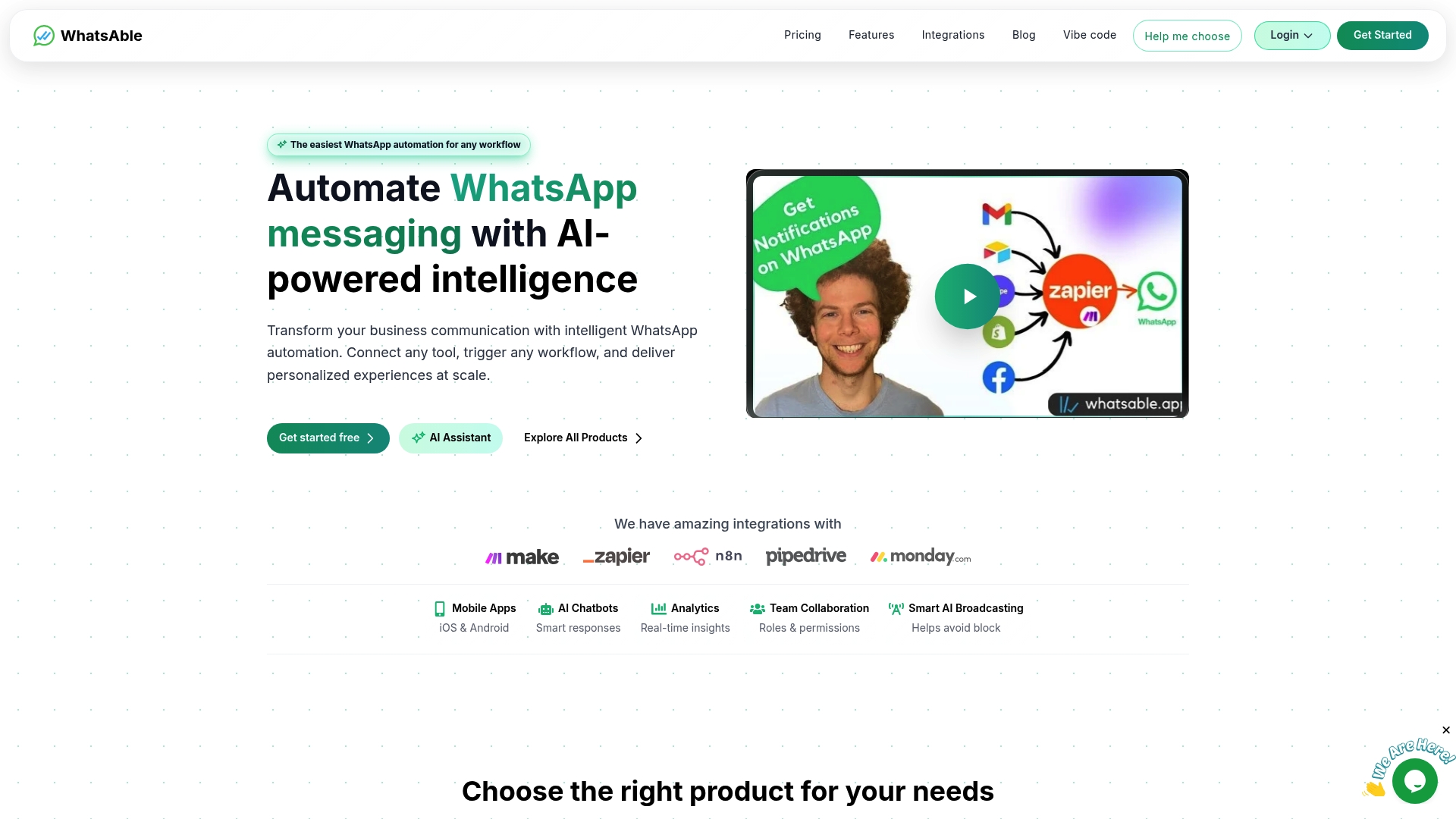
Whatsable runs on the official WhatsApp Business API. It shows Meta's health status for each number and each template's status, reminds you that Marketing templates need an opt-out line, and can pace broadcasts so the next batch goes out only after enough of the last one has been read.
Frequently asked questions
What is the most critical compliance step before automating WhatsApp messages?
Obtaining explicit, category-specific opt-in consent from customers is essential to meet Meta’s requirements. Poor consent leads to 7-day quality flags, tier demotions, and eventual account suspension.
Can I use any chatbot or AI tool with WhatsApp for automation?
No. Only enterprise WhatsApp Business API providers with zero-retention DPAs ensure GDPR-compliant AI automation. Private ChatGPT use risks data leaks and direct policy violations that can expose your company to regulatory fines.
What happens if I send messages to users who have opted out?
Messaging people who opted out breaks Meta's policy and leads to blocks and spam reports, which lower your quality rating. Repeated violations lead to account suspension or permanent bans, and accidental opt-out messages are one of the most common causes of sudden quality score drops.
Are unofficial WhatsApp automation tools safe to use?
No. Unofficial tools violate WhatsApp’s Terms of Service outright. Unofficial automation tools risk immediate account termination and permanent number blacklisting, with no appeal path once the ban is applied.
How can I maintain compliance while scaling my WhatsApp communications?
Use Meta-approved APIs. Combine segmented opt-ins, signed DPAs across your full tech stack, GDPR-compliant AI integrations, and daily quality metric monitoring to scale without adding compliance debt.

 Jonah Reed
 Mira Okonkwo
 Elias Navarro