 Whatsable






Managing WhatsApp messaging campaigns across sales, marketing, and support without losing track of conversations and follow-ups is confusing and error-prone. Most messaging automation tools either rely on complex API verification, charge by contact leading to unpredictable costs, or lack multi-channel support. This comparison covers features, integration options, and pricing so you can pick a WhatsApp messaging automation platform that fits your business size and workflow.
Table of Contents
Whatsable
At a Glance
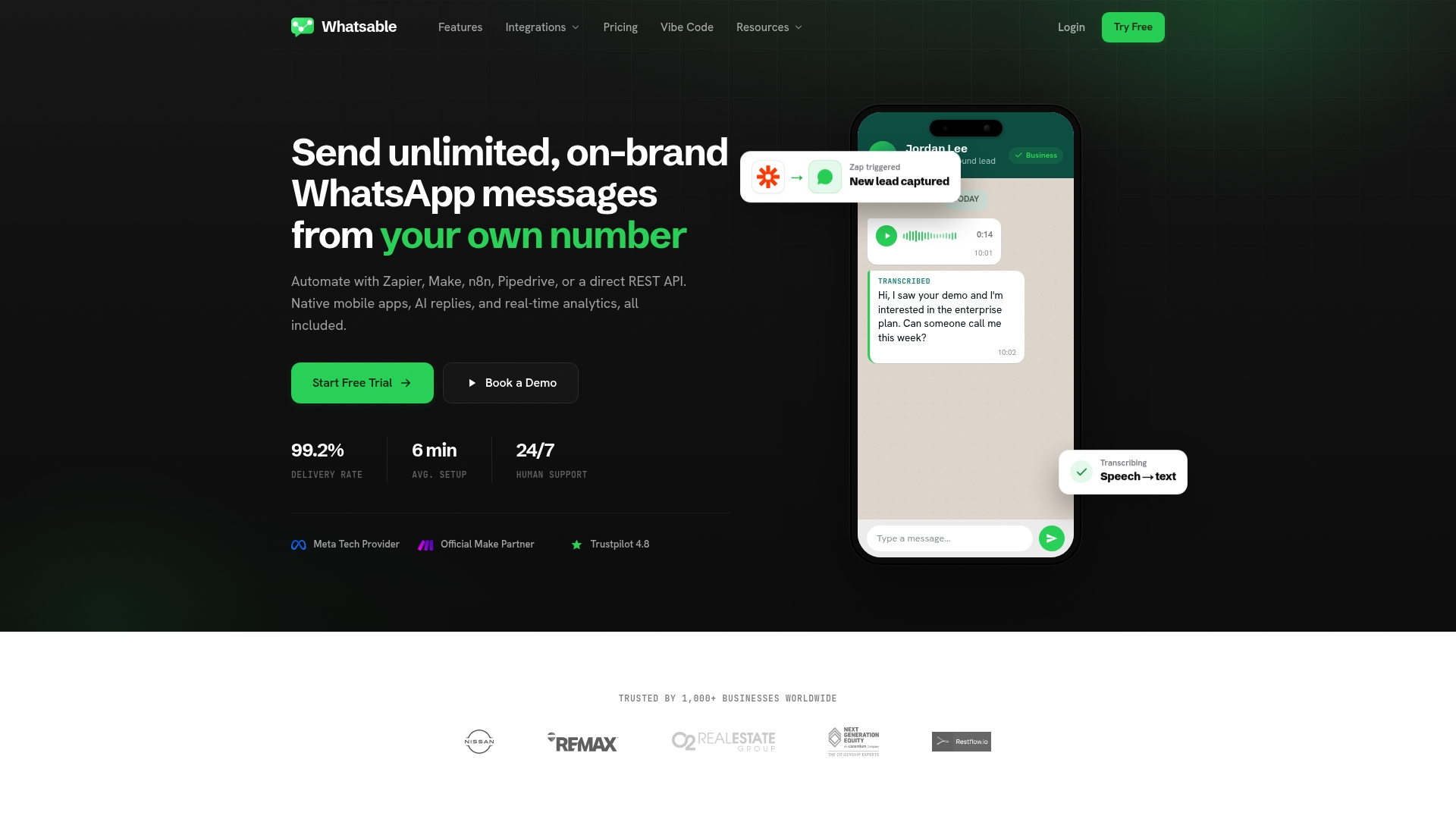
Unlimited messaging from your own WhatsApp number. The service supports AI replies, a multi-user team inbox, and real-time delivery reports. It targets businesses that need branded outbound messaging plus in-chat collaboration.
Core Features
Whatsable combines unlimited on-brand WhatsApp messaging with automation connectors and AI chat handling. Notifyer System handles bulk and follow-up sequences, while Whatsable Bot focuses on internal alerts and quick setup for team notifications. The product includes a team inbox with roles and permissions and real-time analytics for delivery and engagement.
Key Differentiator
Deep connectors to automation tools such as Make, Zapier, and n8n let you trigger WhatsApp messaging from existing workflows without code. That integration focus reduces custom engineering and lets teams build multi-step automations using familiar tools.
Pros
Whatsable claims setup typically takes about six minutes. That short onboarding pairs with human customer support and guided onboarding for teams. The vendor advertises a 99.2% delivery rate, and the product supports human-AI handoff, detailed delivery reports, and scalable multi-user management for teams from solo operators to larger groups.
Cons
- Contact-based pricing can grow expensive for large contact lists.
Notable Integrations
- Make
- Zapier
- n8n
- Monday.com
- Pipedrive
- REST API
Who It’s For
You run a small sales team, a marketing agency, or a support group that relies on WhatsApp for client conversations. The product fits real estate teams, SMBs, and sales organizations that want no-code automation tied to existing CRMs and workflow tools. It also suits solo entrepreneurs who need branded outbound messaging from their own number.
Unique Value Proposition
Notifyer System sends unlimited branded WhatsApp messages from your own number while keeping message flows orchestrated by popular automation tools. That combination lets you keep brand authenticity in every outgoing message while automations handle follow-up and CRM updates.
Real World Use Case
A real estate agency uses Whatsable to send automated property tour reminders, follow up with clients who have not replied, and let multiple agents handle conversations inside a shared inbox. The setup moves reminders and lead routing into existing automation workflows.
Pricing
Pro plan starts at $49/month and includes a free seven-day trial. An optional agency plan is available at $53.90/month per number. Pricing depends on contact counts, so costs can rise with larger lists.
Website: https://whatsable.app
WhatZCRM
At a Glance
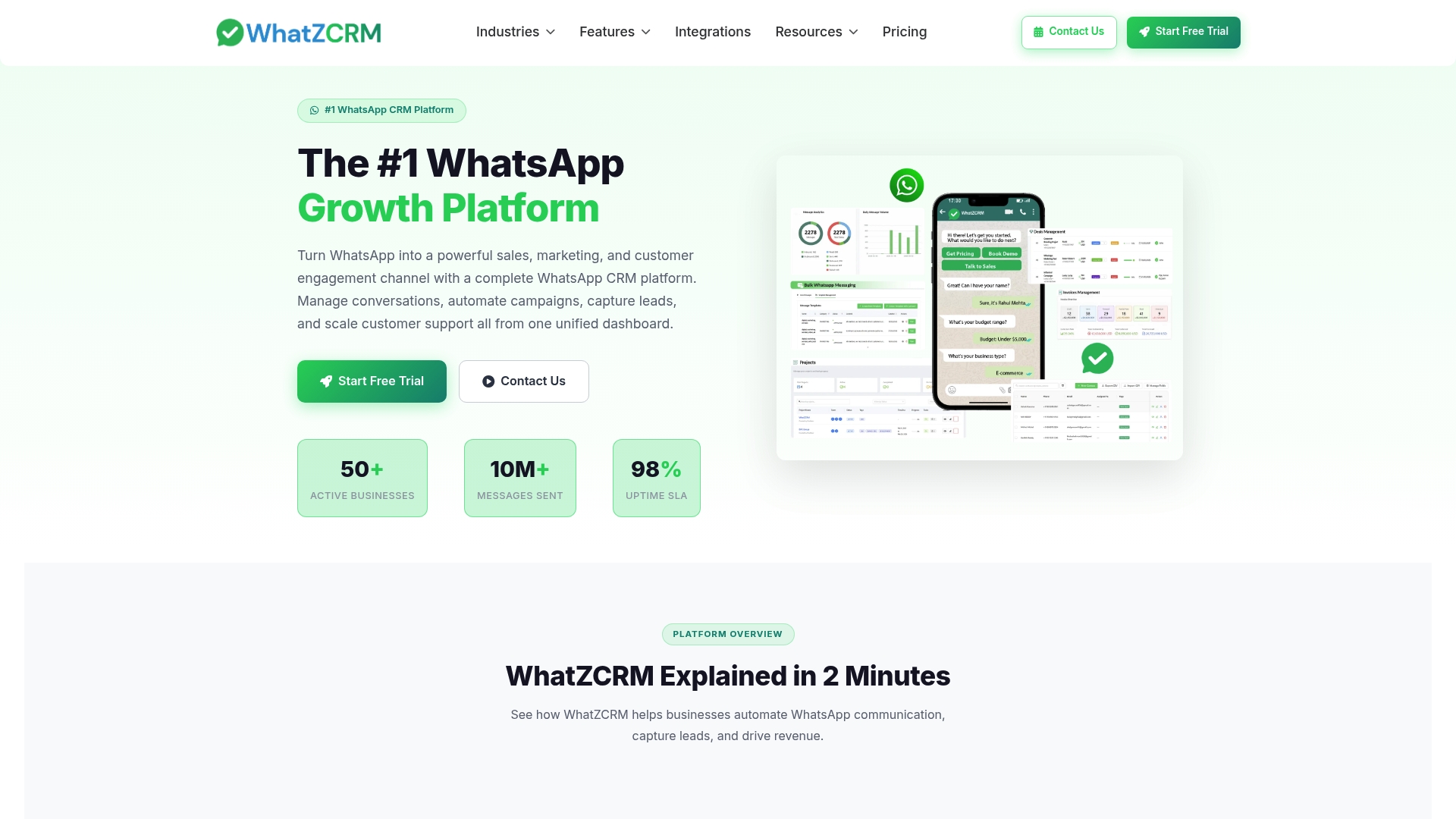
Supports real estate, healthcare, and education using WhatsApp as the primary customer touchpoint. The platform includes AI powered automation and a visual, no code chatbot builder. According to the company, WhatZCRM pairs WhatsApp Business API access with campaign automation and team inboxing to improve response times.
Core Features
WhatZCRM combines a WhatsApp Chatbot Builder, a WhatsApp Lead Qualification Bot, and an AI Support Chatbot into a single dashboard for campaigns and support. It offers hybrid chat so agents can take over AI conversations, plus workflow automation for scheduled outreach and follow ups. A unified inbox, CRM tagging, segmentation, and a real time analytics dashboard help teams route leads and measure campaign performance.
Key Differentiator
The defining angle is a WhatsApp first design that bundles AI automation and a visual builder with integrations for commerce and ads. That combination targets teams that need messaging workflows plus ecommerce and ad platform connectivity. The vendor positions the product for companies that want WhatsApp to be a sales and support channel rather than an afterthought.
Pros
WhatZCRM supports official WhatsApp Business API connections, which helps keep messaging compliant and less likely to be blocked. The platform includes AI powered bots and hybrid agent handoffs, which reduce simple ticket handling and let agents focus on complex conversations. Integrations with ecommerce, ad systems, calendar services, and major CRMs let you tie WhatsApp conversations to order and lead records without building custom middleware.
Cons
- Setup relies on WhatsApp Business API verification. This process can take time and add administrative overhead.
- Pricing details are not listed on the website. You may need to request a quote to understand per message or per seat costs.
- The feature set is broad and may require onboarding or training for non technical teams.
- Some small businesses or solo operators may find the platform more capability than they need.
When It May Not Fit
If your team needs a lightweight chat widget only, this product will likely be more complex than necessary. Companies that cannot complete Business API verification quickly will face delays before sending campaigns. Organizations with minimal message volume should evaluate costs carefully because the pricing model appears usage based and may scale with volume.
Notable Integrations
WhatZCRM lists integrations with Shopify, Facebook Ads, Zapier, and Google Ads for acquisition and commerce workflows. It also connects to CRMs such as Salesforce, HubSpot, and Zoho CRM, plus calendaring tools and document stores. Payment gateways like Stripe and Razorpay are included for transactional messaging and payments.
Who It’s For
Mid sized and larger businesses that want to run sales, marketing, and support over WhatsApp will get the most from this product. Agencies handling ecommerce clients or teams that need ad and CRM connectivity will find the integrations useful. Teams that plan to use automation and agent handoffs at scale will get more value than very small operations.
Real World Use Case
A real estate agency uses WhatZCRM to capture leads from Facebook Ads, qualify them with a lead bot, and schedule viewings via Google Calendar integration. Agents receive handoff notifications in the unified inbox and follow up with personalized property details. That flow reduces manual data entry and shortens lead response times.
Pricing
Pricing is not explicitly specified on the site. The vendor appears to price by plan and usage with a free trial available. Contact sales for quotes that reflect message volume, API access, and any onboarding services.
Website: https://whatzcrm.com
Mark360
At a Glance
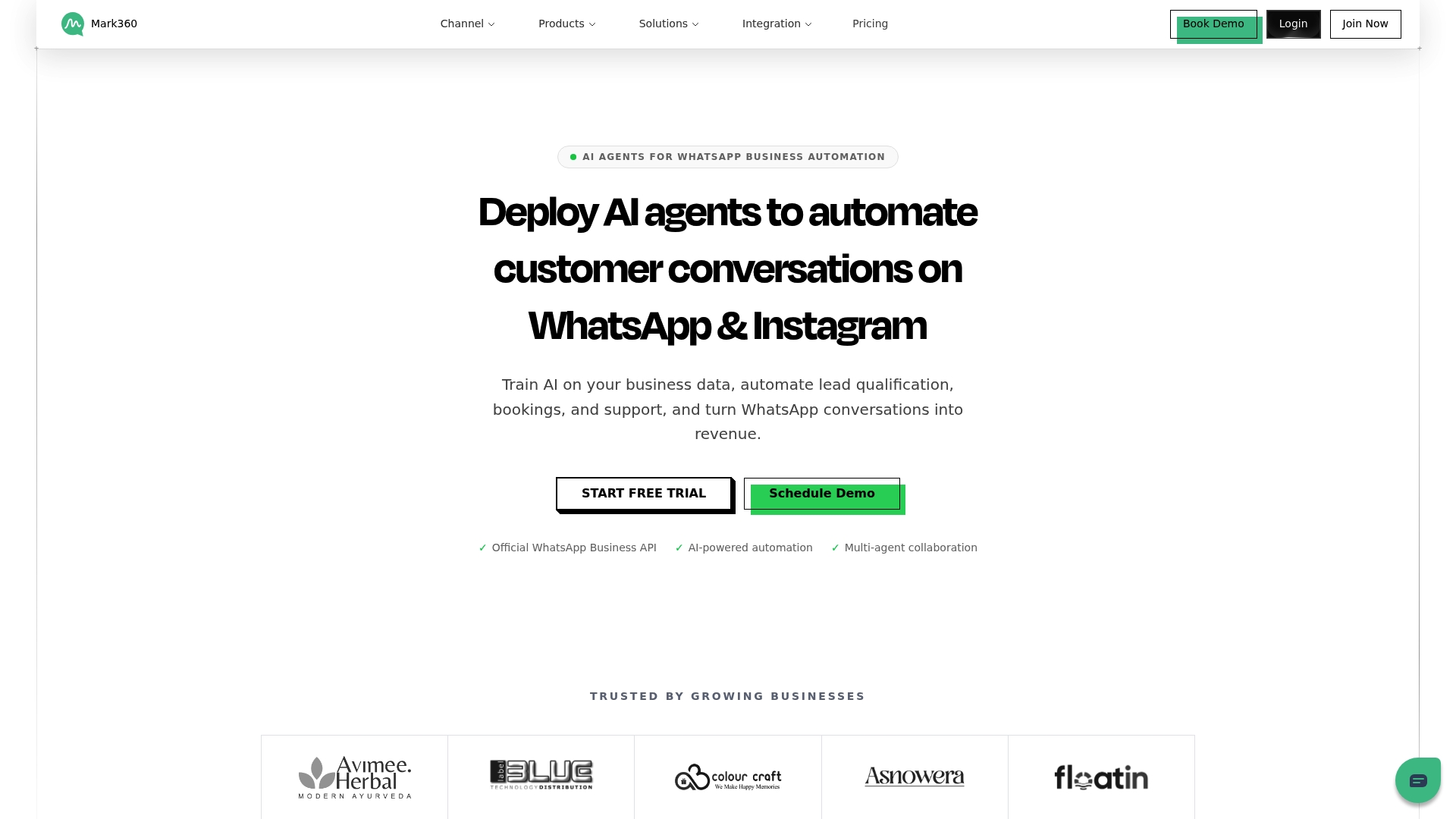
Mark360 ships with pre-built vertical templates for real estate, healthcare, and travel that cut initial setup for those industries. The platform handles WhatsApp and Instagram conversations across multiple accounts while routing messages to teams. The vendor advertises a 5-minute setup time for no-code deployments, which suggests rapid initial rollout for simple workflows.
Core Features
Mark360 uses AI-powered automation to qualify leads, answer support questions, and run follow-up sequences across WhatsApp and Instagram. It pairs a drag-and-drop chatbot and workflow builder with a shared team inbox so agents manage multiple accounts and conversations from one view. Analytics, multi-language support, and offline human fallback complete the feature set for sales and support workflows.
Key Differentiator
The standout is the combination of industry templates and multi-channel coverage. Companies get workflows tailored to specific verticals instead of building every flow from scratch. That design reduces time spent on copy, routing rules, and testing when targeting WhatsApp and Instagram together.
Pros
Mark360 reduces repetitive agent tasks and speeds response times, which should improve customer satisfaction and lower support load. The drag-and-drop builder makes it possible for nontechnical staff to create qualification and nurture sequences without developer involvement. Multi-language support and integrations with common tools let teams run international campaigns and sync data with commerce, CRM, and marketing systems.
Cons
- Pricing transparency is limited. The platform does not disclose how costs scale for high-volume messaging.
- Independent user reviews are not included, so real customer experience and long term reliability are unclear.
- The wide feature set may overwhelm teams that lack dedicated onboarding or an implementation lead.
When It May Not Fit
If your buying decision hinges on predictable per-message or per-contact pricing, this product may not fit without a custom quote. If you require third-party validation before adoption, the lack of visible customer case studies raises questions. Small teams without onboarding resources may find the feature volume more burdensome than helpful.
Notable Integrations
Mark360 connects to Shopify, Google Sheets, Razorpay, Zoho, Klaviyo, and HubSpot. These integrations cover common commerce, CRM, and marketing use cases and support syncing leads and orders into existing stacks.
Who It’s For
Marketing and support teams at small to large enterprises that need to scale WhatsApp and Instagram conversations will get the most value. Companies with vertical workflows such as real estate, travel, or healthcare benefit from the pre-built templates. Teams that can assign at least one person to rollout and customization will move faster.
Real World Use Case
A real estate firm deploys Mark360 to handle incoming Instagram and WhatsApp inquiries for listings across five cities. Chatbots qualify leads, schedule viewings, and hand off hot prospects to the local agent via the shared inbox. The setup reduces missed messages and shortens time to first contact, freeing agents to focus on showings.
Website: https://mark360.ai
BotPenguin
At a Glance
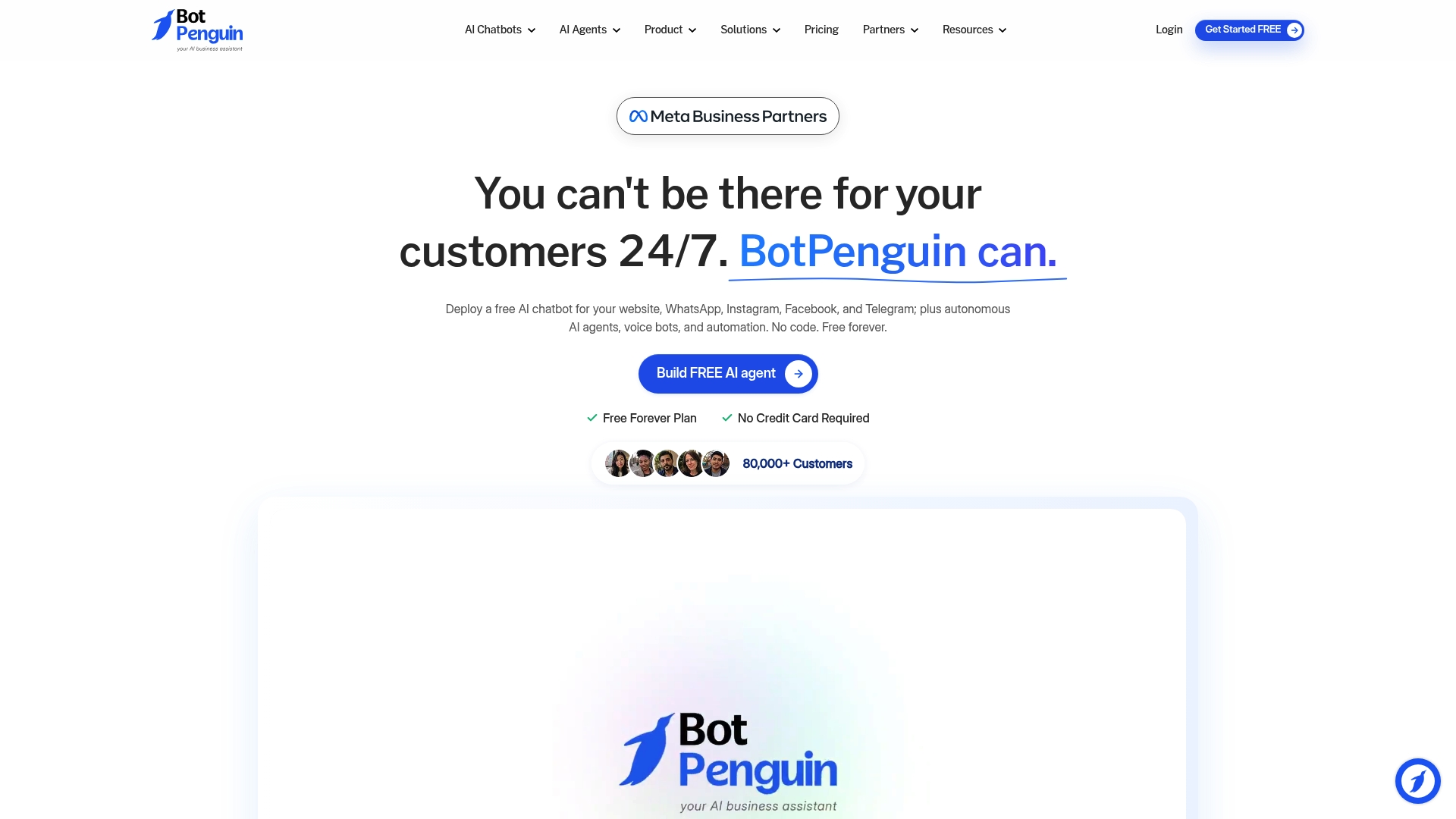
BotPenguin reports over 80,000 customers worldwide. The vendor is a Meta Business Partner for WhatsApp and Facebook chatbot solutions. It offers a free forever plan so teams can test core features without entering billing details.
Core Features
BotPenguin provides a no-code chatbot builder that deploys to WhatsApp, websites, Instagram, Facebook Messenger, Telegram, Microsoft Teams, and SMS. It supports autonomous AI agents, voice bots, and workflow automations that operate without coding. Conversations can be unified in a single inbox and the platform integrates with CRMs, appointment schedulers, and marketing tools.
Key Differentiator
The product combines broad channel support with a free forever plan and a long list of connectors. That mix makes it fast to pilot on customer chat channels and social messaging. The vendor emphasizes GPT-based models and configurable chatbot personalities for tailored conversational tone.
Pros
BotPenguin is easy for nontechnical teams to set up and maintain because no coding is required. The multi-channel reach lets marketing and support teams use the same bot logic on WhatsApp, social apps, and a website. The platform also offers extensive integrations and dedicated support resources that help with onboarding and troubleshooting.
Cons
- Third-party reviews suggest some buyers want more detailed campaign analytics and reporting than the platform currently exposes.
- Pricing can become complex because add-ons and higher tiers address high-volume business needs.
- AI response quality depends on training data and setup, so results vary by implementation.
When It May Not Fit
Organizations that need deep, custom workflows may need developer time because complexity rises with niche integrations. Large enterprises with very high message volumes should plan for custom pricing and a procurement cycle. Buyers who require advanced campaign analytics out of the box may find reporting limited.
Notable Integrations
Popular connectors include ChatGPT, Zapier, and Zoho CRM. The platform also lists Bitrix24 and HighLevel among supported tools. The integration list is large, which helps connect chat data to existing sales and marketing systems.
Who It’s For
Small and medium businesses that need a quick chatbot rollout across multiple channels will find this useful. Marketing teams and support groups that lack developer resources will benefit from the no-code flows. Organizations that want an affordable trial option can use the free plan to validate use cases before buying.
Real World Use Case
A retail store used BotPenguin to run WhatsApp and website chat for product recommendations and order updates. The bot handled common support queries and qualified leads before handing off to staff. That reduced response times and freed agents to focus on complex tickets.
Pricing
A free forever plan is available for basic usage. Paid plans start at $29/month for standard features, with a King Plan at $99/month and an Emperor Plan offered at custom pricing for large deployments. Higher tiers add advanced automation, integrations, and AI capabilities.
Website: https://botpenguin.com
Convertway
At a Glance
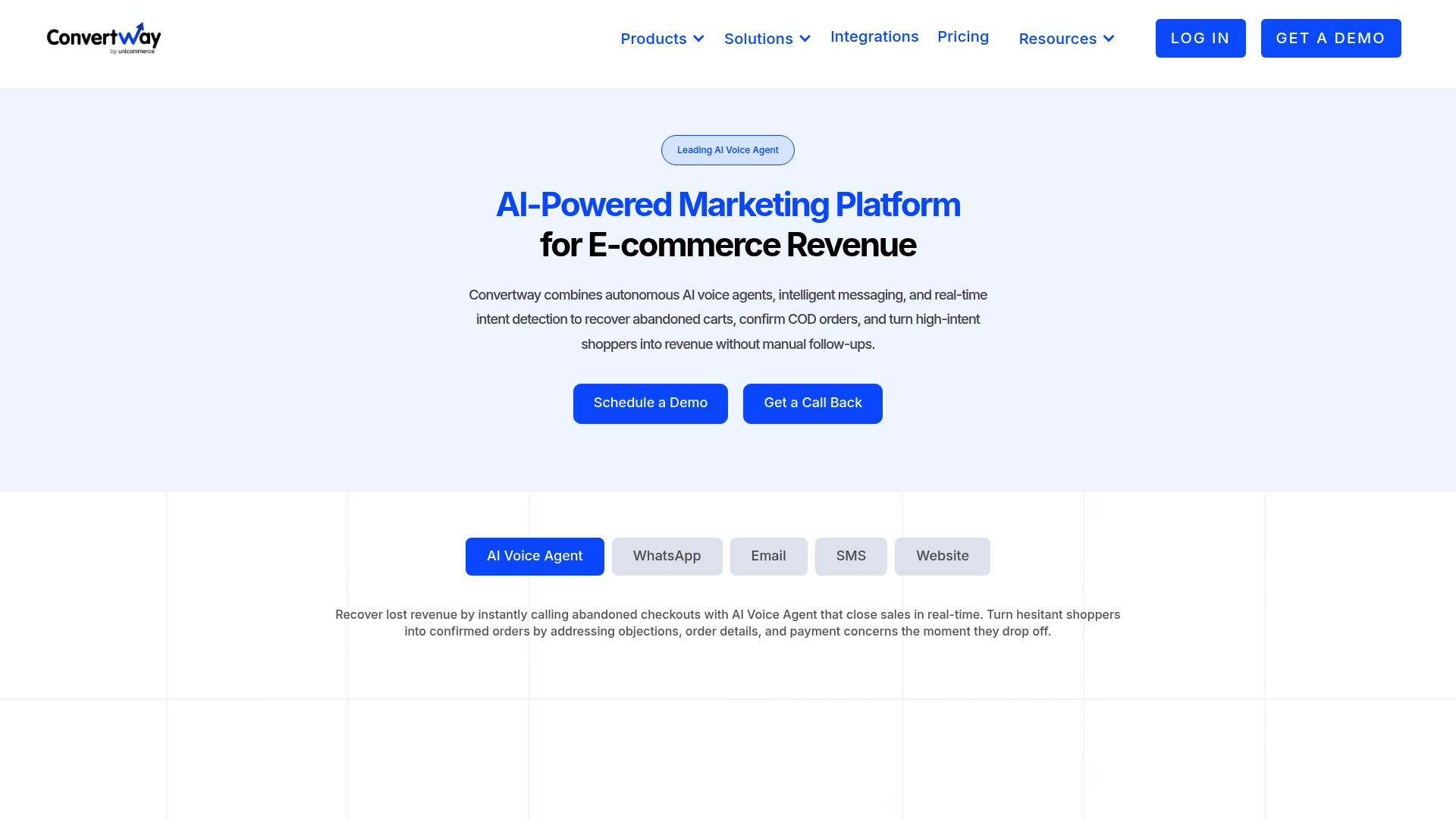
Convertway reports a 3x higher cart recovery rate for retailers using its automated flows. The platform pairs AI voice calls with messaging and email to reengage shoppers across channels. That coordinated approach focuses on cart abandonment, COD confirmations, and targeted reengagement to capture lost revenue.
Core Features
Convertway combines Autonomous AI voice agents with multi channel messaging that includes SMS, WhatsApp, email, and chatbots. It automates follow up journeys for abandoned carts and COD orders while using segmentation to tailor messages. The system also connects to common ecommerce tools so merchants can act on intent signals inside their existing stack.
Key Differentiator
The product centers on a shared intelligence layer that lets voice, messaging, and customer journeys inform one another in real time. That shared layer lets an AI voice call follow up where a message left off and vice versa. The result is coordinated contact that targets high intent moments rather than isolated outreach attempts.
Pros
Convertway automates repetitive outreach and reduces the manual work of calling customers and sending follow up messages. Its coordinated voice plus messaging approach can turn checkout hesitancy into completed orders by acting on intent signals the moment they appear. The platform integrates with store tools so teams keep their workflows and reporting intact while personalizing campaigns for repeat purchase behavior.
Cons
- Primary evidence of performance comes from vendor reports and limited third party analysis.
- The automation model may not suit sellers who prefer fully human driven service.
- Pricing and implementation appear aimed at mid sized and larger merchants, not very small shops.
When It May Not Fit
Convertway fits merchants that can absorb an integration and configuration phase and that send moderate to high order volume. Very small stores with low traffic or very simple workflows may find the platform too complex or costly. Organizations that need a dedicated customer service platform rather than marketing and revenue recovery may want a different tool.
Notable Integrations
- Shopify
- Klaviyo
- AfterShip
- PageFly
- Reconvert
- Shipway
- Gokwik
- Nitrocommerce
Who It’s For
Ecommerce brands that want to automate customer outreach to recover carts and confirm COD orders will get the most value. Marketing and operations teams that already use Shopify and Klaviyo will find the integrations helpful. Companies aiming to convert high intent shoppers with low manual effort should evaluate Convertway.
Real World Use Case
A fashion retailer used Convertway to call shoppers who left high value carts and to follow up via WhatsApp and email. The vendor reports a tripling in cart recovery for that implementation. That figure came alongside higher order completion and clearer attribution for post checkout campaigns.
Pricing
Pricing details are published on the vendor site. Plans start from an entry level option and expand to growth and enterprise tiers with additional features. Merchants should consult the website for plan specifics and implementation costs.
Website: https://theconvertway.com
Comparison of alternatives
When determining the most effective WhatsApp messaging tool, several key features differentiate the options available, depending on team size, technical needs, and budget.
Automation and integration features
Whatsable demonstrates a focus on integrating with existing automation frameworks such as Make, Zapier, and n8n. This versatility enables teams to streamline messaging workflows directly from their current platforms without additional custom development.
Alternatively, Mark360 offers industry-specific templates for rapid implementation, ideal for organizations in real estate or travel aiming to facilitate targeted workflows. While helpful, this feature requires a dedicated onboarding phase to fully maximize its use.
Accessibility and onboarding
BotPenguin provides a beginner-friendly setup via its no-code chatbot builder and free forever plan, benefitting small teams seeking to explore multi-channel communication functionalities before committing financially.
Meanwhile, WhatZCRM supports e-commerce integrations and broader CRM functionalities, suiting teams afforded technical resources but potentially less accessible for smaller operations due to onboarding complexity.
Best fit
- Whatsable is ideal for small to medium businesses leveraging automation integrations to achieve scalable WhatsApp messaging tailored to their CRM and outreach activities.
- BotPenguin suits enterprises seeking to evaluate chatbot features across multiple communication channels at minimal upfront costs.
- Mark360 fits companies with established industry-specific operations needing pre-built templates for rapid messaging setup.
- WhatZCRM fits larger organizations deploying expansive campaigns requiring e-commerce connectivity and compliance with WhatsApp Business API.
Our pick
Whatsable remains distinctive for its unique balance of message volume capability and automation integration features when paired with audience-specific workflows. Nevertheless, organizations relying primarily on e-commerce functionalities should evaluate the options highlighted carefully to align their specific use cases with the appropriate platform.
Optimize your messaging automation by comparing platforms based on unique integrations and efficiency.
| Product | Core Feature | Key Differentiator | Best For | Pricing | Notable Limitation |
|---|---|---|---|---|---|
| Whatsable | Unlimited branded WhatsApp messaging | Deep no-code tool integration | SMBs, sales agencies | From $49/month | Contact-based pricing may grow expensive |
| WhatZCRM | AI WhatsApp automation and chatbot builder | WhatsApp-first sales and support workflows | Mid-sized and larger businesses | Price not published | Requires WhatsApp Business API verification |
| Mark360 | Pre-built vertical templates | Multi-channel coverage | Enterprises in key industries | Price not published | Limited pricing transparency and reviews |
| BotPenguin | Multi-channel AI-powered automation | Free forever plan available | Small and medium businesses | From $29/month | Limited advanced campaign analytics |
| Convertway | Coordinated voice and messaging | Shared AI intelligence layer | Ecommerce brands | Price not published | Vendor data lacks broad third-party validation |
Finding the Right Messaging Automation Solution for Your Business
Businesses searching for effective lilys.ai alternatives face challenges like ensuring brand consistency and automating follow-ups without complex coding. Whatsable meets these needs by delivering unlimited branded WhatsApp messaging through its Notifyer System. It supports multi-user inboxes, real-time delivery reports, and integrates smoothly with familiar tools like Zapier, Make, and Pipedrive.
Whether you manage a small sales team or a growing marketing agency, Whatsable offers fast setup and hands-on customer support to get you running in minutes. Learn more about Whatsable to improve customer engagement and automate messaging flows with ease.
Start with Whatsable’s Notifyer System and import your contact list to send unlimited branded messages while tracking delivery and responses in real time.
Get a quick onboarding session and see how your team can collaborate effectively inside a shared WhatsApp inbox.
FAQ
What features make Whatsable a strong choice for WhatsApp messaging automation?
Whatsable offers unlimited on-brand WhatsApp messaging along with automation connectors and AI chat handling. The combination of its Notifyer System for bulk messaging and the Whatsable Bot for quick team notifications ensures effective communication for businesses.
How does Whatsable compare to WhatZCRM in terms of WhatsApp API support?
WhatZCRM supports official WhatsApp Business API connections, keeping messaging compliant and minimizing the risk of blocking. In contrast, Whatsable focuses on enabling branded messaging from your own number while integrating with popular automation tools without needing extensive custom engineering.
Which platform provides better integration with automation tools, Whatsable or Mark360?
Mark360 offers industry templates and multi-channel coverage, which simplifies workflows in specific verticals. Whatsable, however, allows deeper connects with automation tools like Make, Zapier, and n8n, enabling teams to trigger WhatsApp messaging from existing workflows more easily.
Can Whatsable handle large contact lists cost-effectively?
Whatsable uses contact-based pricing, which can become expensive for larger contact lists, making it less optimal for businesses with extensive databases. It’s advisable to evaluate your contact needs before fully committing to their pricing structure.
What kind of businesses benefit most from Whatsable?
Whatsable is ideal for small sales teams, marketing agencies, and collective support groups that rely on WhatsApp for client interactions. Its features cater well to real estate teams and SMBs looking for branded outbound messaging combined with automation.