 Whatsable







TL;DR:
- Zapier is a no-code platform connecting over 9,000 apps, enabling business teams to automate workflows without programming. It offers a visual builder, automatic error handling, centralized security, and AI orchestration, resulting in significant productivity gains and faster decision-making. Teams must treat Zapier as an ongoing process, continuously maintaining and optimizing their automation to avoid disruptions and maximize benefits.
Zapier is a no-code integration platform that connects over 9,000 apps through prebuilt connectors, making app integration accessible to any business team without a single line of code. Business professionals connect tools like Slack, Salesforce, Gmail, and HubSpot in minutes, not weeks.
Why Zapier simplifies app integrations: the no-code visual builder
Zapier’s core advantage is its visual workflow builder, which replaces manual API coding with a point-and-click interface. A marketing manager at a mid-size company can connect Typeform to Mailchimp to Slack without filing a single IT ticket.

Traditional app integration requires developers to write and maintain custom scripts for every connection. When an API changes, the script breaks. Someone has to fix it. Zapier eliminates that cycle entirely by handling connector maintenance automatically, so your team never waits on an engineering sprint to add a new tool.
The builder supports multi-step workflows and conditional logic. You can build a Zap that captures a lead from a Facebook Lead Ad, checks whether the lead’s email domain matches a target account list, adds qualified leads to Salesforce, and sends a Slack alert to the sales rep, all without writing code.
Key capabilities of the visual builder:
- Prebuilt connectors for apps like Google Sheets, Pipedrive, Notion, and Stripe
- Filters and conditional paths that route data based on specific criteria
- Multi-step Zaps that chain actions across three or more apps in sequence
- Formatter steps that clean, split, or reformat data mid-workflow
Pro Tip: Build your first Zap with a simple two-step trigger-action pair. Once it runs cleanly for a week, add conditional logic. Complexity added gradually is far easier to troubleshoot than a ten-step Zap built all at once.
What reliability features make Zapier integrations dependable?
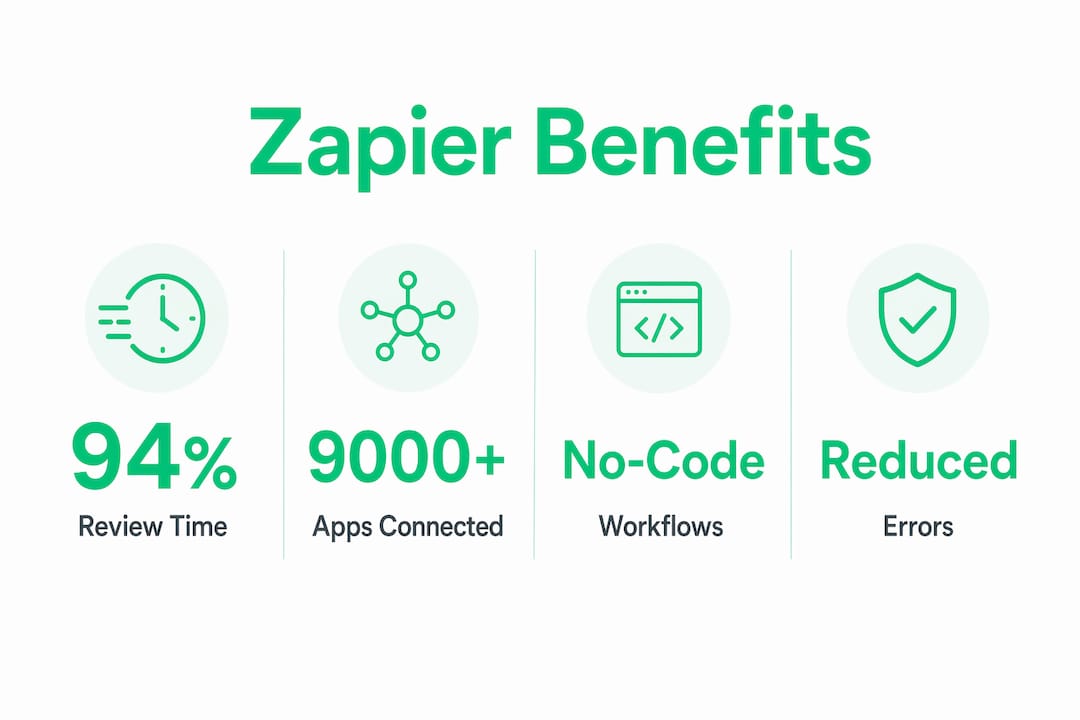
Zapier logs each integration step, retries failed executions automatically, and handles API timeouts without requiring manual intervention. Integration checks run every 1–15 minutes depending on the plan level.
Error handling in custom-coded integrations typically means a developer gets paged at 2 a.m. when a webhook fails. Zapier’s platform catches those failures, retries the execution, and surfaces the error in a dashboard so your team can review it during business hours.
Reliable automation also protects data integrity. When a CRM update fails silently in a custom script, records go out of sync and no one notices until a sales rep calls a lead with the wrong information. Zapier’s error logs make failures visible and traceable.
Four reliability features that matter most for business operations:
- Automatic retries on failed task executions, preventing data loss from temporary API outages
- Step-by-step task history that shows exactly where a workflow succeeded or failed
- Error notifications sent directly to your email or Slack when a Zap needs attention
- Scheduled polling intervals that keep data flowing at consistent, predictable rates
How does centralized management improve team security?
Security and access control are where many automation setups quietly fail. Individual team members storing API keys in spreadsheets or sharing login credentials through email creates real exposure. Zapier addresses this by shifting authentication to the platform level via OAuth, so individual credentials never pass through your team’s hands in raw form.
Centralized credential management means one admin controls which apps are connected and who can access which workflows. A sales team member can run a Zap that updates Salesforce without ever seeing the Salesforce API key.
Benefits of Zapier’s centralized management model:
- OAuth authentication handles token exchange at the platform level, not the user level
- Team workspaces let admins assign Zap ownership and editing rights by role
- Shared app connections allow multiple team members to use one authenticated account
- Audit visibility shows which Zaps are active, who built them, and when they last ran
Pro Tip: Assign Zap ownership to a team role, not an individual. When someone leaves the company, a role-owned Zap keeps running. A personally owned Zap goes dark the moment that account is deactivated.
Is Zapier more than a data transfer tool?
Most teams use Zapier to move data from point A to point B. Advanced teams use it as an AI orchestration layer that transforms data in transit. Zapier can orchestrate AI workflows that enrich, summarize, or score data in real time before passing it to the next app.
A practical example: a customer support team receives an inbound email. Zapier triggers, sends the email body to an AI step that classifies the issue and assigns a priority score, then routes high-priority tickets to a senior agent in Zendesk and low-priority tickets to a standard queue. No human reads every email to make that routing decision.
The table below compares what basic data transfer automation delivers versus what AI-enhanced Zapier workflows deliver:
| Capability | Basic data transfer | AI-enhanced Zapier workflow |
|---|---|---|
| Lead routing | Moves lead to CRM | Scores lead and routes by fit |
| Support triage | Creates ticket from email | Classifies issue and sets priority |
| Content processing | Copies text between apps | Summarizes and tags before storing |
| Sales alerts | Notifies rep of new lead | Notifies rep with enriched context |
| Data cleaning | Passes raw form data | Formats, validates, and enriches data |
Middleware like Zapier connects legacy systems and modern SaaS tools within the same workflow. A company running an older ERP alongside a modern CRM can pass data between both without a custom integration project.
Key Takeaways
Zapier simplifies app integrations by combining no-code automation, automatic error handling, centralized security, and AI orchestration into one platform that business teams can operate without engineering support.
| Point | Details |
|---|---|
| No-code visual builder | Business teams build multi-step workflows without writing code or filing IT requests. |
| Automatic error handling | Zapier retries failed steps and logs errors, preventing silent data loss. |
| Centralized authentication | OAuth at the platform level protects credentials and simplifies team access control. |
| AI orchestration | Workflows can enrich, score, and classify data in transit, not just transfer it. |
The part most teams get wrong about Zapier
Zapier is not a one-time setup project.
APIs evolve constantly, and even Zapier’s maintained connectors occasionally need attention when an app changes its data structure. The teams that get the most from Zapier treat it as an ongoing practice. They review task histories weekly, set up error notifications, and assign someone to own the automation stack.
The other misconception is that automation replaces human judgment. It does not. Automation removes repetitive busywork so employees can focus on decisions that actually require a human. Zapier handles the mechanical work. Your team handles the thinking.
Whatsable and Zapier: automation that reaches your customers
Business teams that automate internal workflows with Zapier often hit the same wall: the automation stops at the edge of their tech stack and never reaches the customer. Whatsable closes that gap.
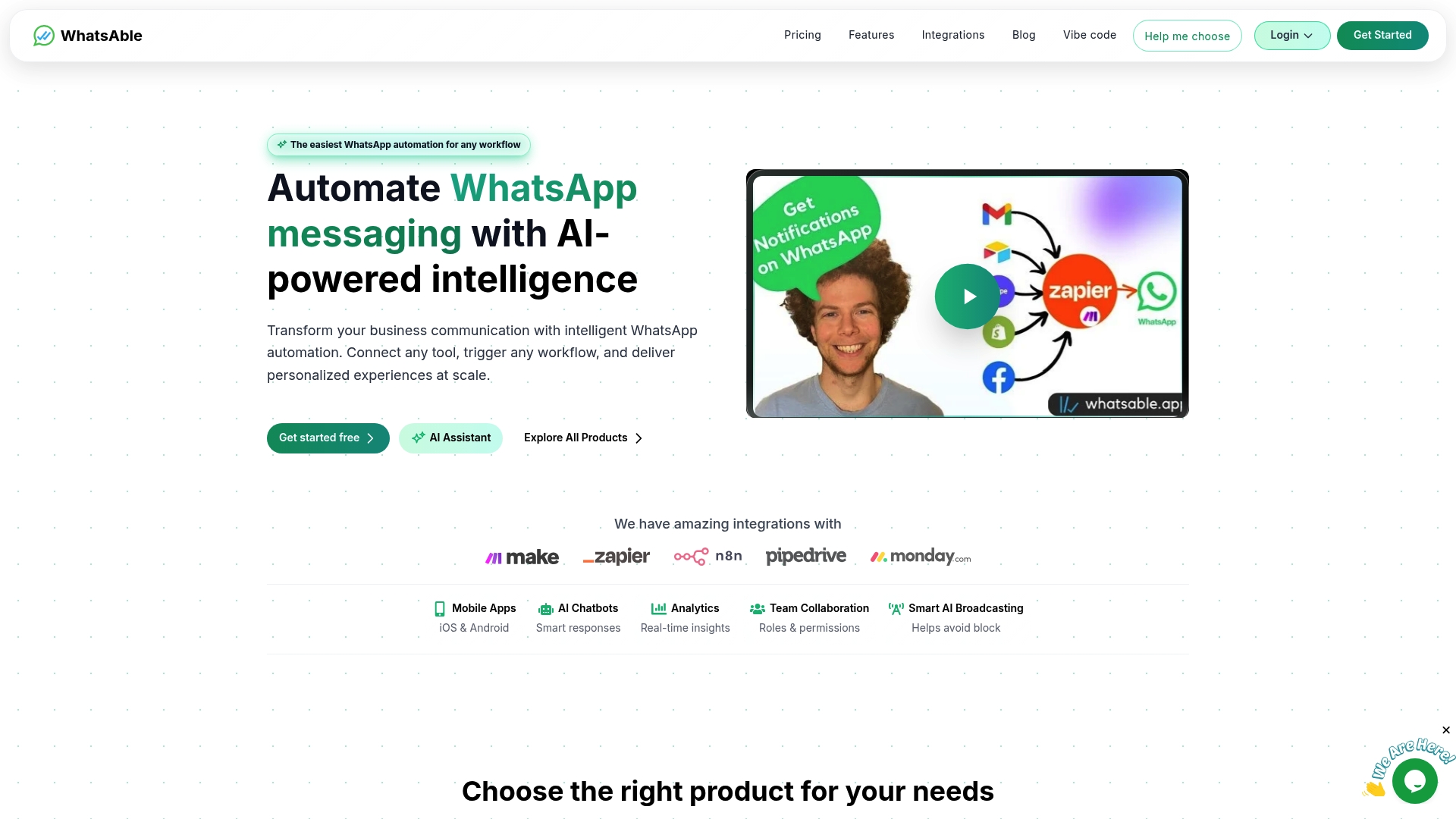
Whatsable connects directly with Zapier, Make, n8n, and Pipedrive, so the workflows you build in Zapier can trigger branded WhatsApp messages, automated follow-up sequences, and real-time customer alerts without any additional coding. A lead captured in your CRM can receive a personalized WhatsApp message within seconds of entering your pipeline. Sales teams, marketing agencies, and enterprise operations teams use Whatsable’s automation platform to extend Zapier’s reach into the one channel customers actually respond to.
FAQ
What does Zapier actually do?
Zapier connects apps through prebuilt connectors and automates data transfer between them using trigger-and-action workflows called Zaps. Teams use it to eliminate manual data entry and connect tools like Slack, Salesforce, Gmail, and Google Sheets without writing code.
How is Zapier different from custom API integrations?
Zapier handles connector maintenance, error retries, and authentication at the platform level, while custom API integrations require developers to build and maintain every connection manually. When an API changes, Zapier updates the connector. A custom script breaks.
Is Zapier secure enough for business use?
Zapier uses OAuth authentication to manage credentials at the platform level, so individual users never handle raw API keys. Team workspaces allow admins to control access and Zap ownership by role.
Can non-technical teams use Zapier effectively?
Yes. Zapier’s visual builder requires no coding knowledge. Marketing managers, sales ops teams, and operations staff regularly build and maintain multi-step workflows without IT involvement.
What is the difference between basic Zapier automation and AI-enhanced workflows?
Basic Zapier automation transfers data between apps. AI-enhanced Zapier workflows transform data in transit, scoring leads, classifying support tickets, and summarizing content before passing it to the next tool.

 Jonah Reed
 Mira Okonkwo