 Whatsable







TL;DR:
- Whatsable is the top Zoko.io alternative for U.S.-based e-commerce teams due to its transparent flat-fee pricing and deep CRM integrations. It offers AI-powered chatbots, unlimited branded messaging, and predictable costs, making it suitable for marketing and Shopify teams. Switching involves re-registering templates and mapping Shopify links but provides greater pricing flexibility and CRM depth.
For most U.S.-based e-commerce and marketing teams, Whatsable is the strongest Zoko.io alternative because it pairs transparent flat-fee pricing with deep CRM integrations, AI-powered chatbots, and unlimited branded bulk messaging. Zoko is a capable Shopify-first WhatsApp tool, but teams that outgrow its pricing model or need broader CRM and automation depth consistently look elsewhere.
Here is the short shortlist:
- Whatsable — best for CRM-led Shopify stores and marketing teams that need AI automation with predictable monthly costs
- Respond.io — best for omnichannel support teams routing conversations across WhatsApp, email, and live chat
- WATI — best for SMBs that want a simple WhatsApp team inbox with broadcast campaigns
- Trengo — best for mid-market teams managing multiple channels from one shared inbox
- Twilio — best for engineering-led teams that need full API control and custom CPaaS workflows
- Interakt — best for D2C brands running Shopify cart-recovery flows on WhatsApp
- DelightChat — best for small Shopify stores that want a lightweight WhatsApp support inbox
- MessageBird — best for enterprises needing multi-channel orchestration at scale
- Helpwise — best for small teams that want a shared inbox across WhatsApp, email, and SMS
The main trade-off when switching from Zoko: you gain pricing flexibility and CRM depth, but you will need to re-register templates, re-map Shopify order links, and plan for a short parallel-run period. Aggregated comparison lists show the WhatsApp automation market splits into omnichannel platforms, CPaaS providers, and commerce-first vendors. Picking the right category matters more than comparing feature counts.
Table of Contents
- How do these Zoko.io alternatives compare at a glance?
- Why these picks: what each alternative actually does
- How do you choose the right Zoko alternative for your team?
- What does migrating from Zoko actually involve?
- Whatsable: built for e-commerce teams that need more than Zoko offers
- FAQ
How do these Zoko.io alternatives compare at a glance?
The table below covers the nine platforms across the dimensions that most affect buying decisions. Vendor pricing and features change frequently; verify current figures directly with each vendor before committing.
| Platform | Best for | WhatsApp capabilities | Automation & chatbots | Key integrations | Shared inbox & omnichannel | Analytics | Pricing shape | US availability |
|---|---|---|---|---|---|---|---|---|
| Whatsable | CRM-led e-commerce & marketing teams | API, broadcasts, templates, session messages | AI chatbots, no-code flows, follow-up sequences | Zapier, Make, n8n, Pipedrive, Monday.com, open API | Team inbox, WhatsApp-first | Detailed analytics dashboard | Flat subscription, 0% Meta markup claimed; tiered by volume | ✅ US available |
| Respond.io | Omnichannel support routing | API, broadcasts, templates | Visual flow builder, AI agents | HubSpot, Salesforce, Shopify, Zapier | Omnichannel (WhatsApp, email, chat, social) | Conversation & team reports | Per-seat + usage tiers | ✅ US available |
| WATI | SMB WhatsApp inbox | API, broadcasts, templates | No-code chatbot builder | Shopify, HubSpot, Zapier | WhatsApp team inbox | Basic reporting | Per-seat, starts ~$49/mo | ✅ US available |
| Trengo | Mid-market multichannel inbox | API, broadcasts | Flow builder | HubSpot, Pipedrive, Shopify, Zapier | WhatsApp, email, chat, social | Team & channel reports | Per-seat, tiered | ✅ US available |
| Twilio | Engineering-led custom builds | Full API, programmable messaging | Custom code or Studio flows | Salesforce, any via API | Build your own | Custom dashboards | Pay-per-message + platform fee | ✅ US available |
| Interakt | D2C Shopify cart recovery | API, broadcasts, templates | No-code flows | Shopify, WooCommerce, Zapier | WhatsApp team inbox | Order & campaign reports | Tiered monthly plans | ✅ US available |
| DelightChat | Small Shopify support teams | API, broadcasts | Basic automation | Shopify, Zapier | WhatsApp + email inbox | Basic | Flat monthly plans | ✅ US available |
| MessageBird | Enterprise multi-channel | API, broadcasts, templates | Flow builder, AI | Salesforce, HubSpot, Zapier, Make | Omnichannel | Advanced | Usage-based + platform fee | ✅ US available |
| Helpwise | Small teams, shared inbox | API, broadcasts | Basic automation | Shopify, Pipedrive, Zapier | WhatsApp, email, SMS inbox | Basic | Per-seat, tiered | ✅ US available |
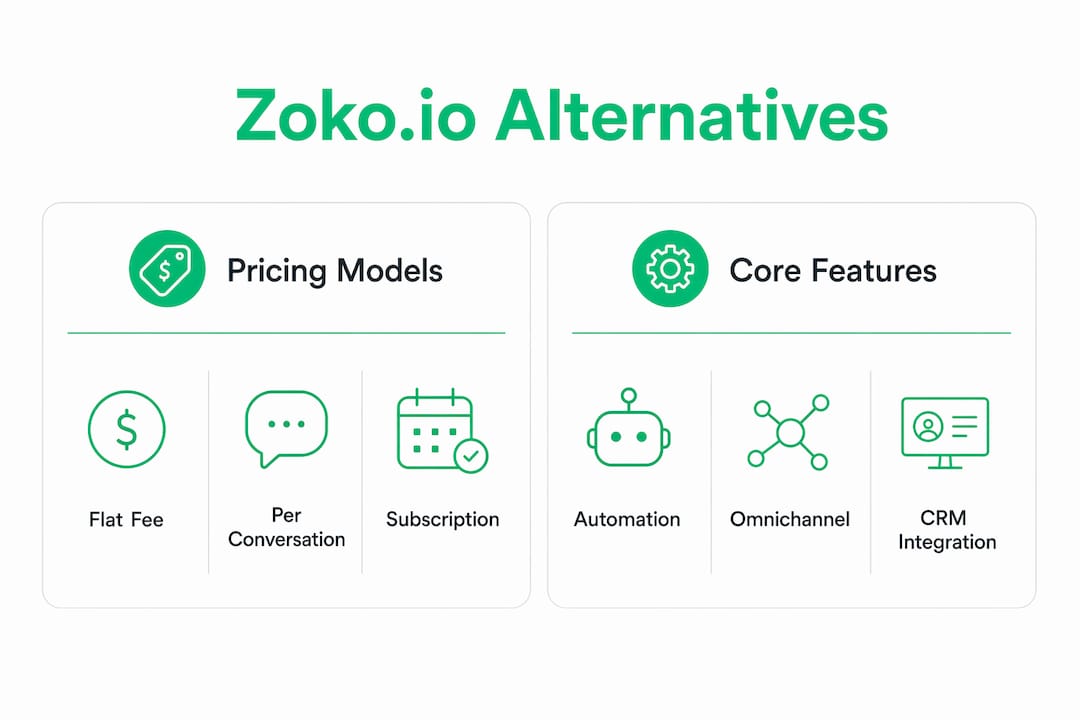
On pricing shapes: three billing models dominate this market. Per-conversation pricing (common among WhatsApp Business API resellers) adds a platform markup on top of Meta’s own conversation fees, which can make invoices unpredictable at volume. Per-seat flat pricing is easier to budget but can get expensive as your team grows. Flat-fee with no Meta markup is the most predictable model for high-volume broadcasters. Some vendors advertise 0% markup on Meta fees as a direct competitive advantage over conversation-based pricing.
Entry subscription fees can look affordable until platform markups and contact-tier limits push the total cost of ownership higher at scale. Always ask vendors for a projected invoice at your current message volume and at three times that volume before signing.
Why these picks: what each alternative actually does
Whatsable
Whatsable lets you send unlimited branded WhatsApp messages, build automated follow-up sequences, and connect to Zapier, Make, n8n, Pipedrive, and Monday.com without writing a line of code. The Whatsable Bot handles internal team notifications separately, which is useful for ops teams that want alerts without mixing them into customer-facing inboxes. Human onboarding support is included, which matters when you are migrating from another platform.
Pros: Flat pricing with no per-message markup; AI chatbots with anti-block bulk messaging; open API for custom builds; strong CRM integration options Cons: Newer brand with a smaller public review base than some incumbents; WhatsApp-first (not a full omnichannel inbox) Best for: E-commerce and marketing teams that want predictable costs, CRM depth, and AI automation without enterprise-level complexity.
Respond.io
Respond.io is built for teams that manage conversations across multiple channels and need a single routing layer. Its visual flow builder handles complex branching logic, and AI agents can handle tier-1 support before escalating to humans. The CRM integrations with HubSpot and Salesforce are among the deepest in this category.
Pros: True omnichannel (WhatsApp, email, live chat, social); strong AI agent capabilities; solid Salesforce and HubSpot sync Cons: Per-seat pricing scales up quickly for larger teams; steeper learning curve for non-technical users Best for: Mid-market and enterprise support teams that route conversations across more than two channels.

WATI
WATI keeps things simple: a WhatsApp team inbox, broadcast campaigns, and a no-code chatbot builder. It is the most commonly cited entry-level option for SMBs that are new to the WhatsApp Business API and do not need deep CRM logic.
Pros: Easy setup; good Shopify and HubSpot connectors; active user community Cons: Limited automation depth; per-seat pricing adds up; analytics are basic Best for: Small support teams that need a managed WhatsApp inbox without heavy configuration.
Trengo
Trengo positions itself as a multichannel inbox first, with WhatsApp as one of several channels. Its rule-based routing and team assignment features are solid for mid-market companies managing volume across email, chat, and messaging apps simultaneously.
Pros: Clean UI; good channel breadth; Pipedrive and HubSpot integrations Cons: WhatsApp automation is less deep than WhatsApp-native tools; pricing tiers can feel restrictive Best for: Mid-market teams already managing email and chat who want to add WhatsApp without switching platforms.
Twilio
Twilio is a CPaaS provider, not a packaged WhatsApp tool. You get full API access and programmable messaging, but you build the workflows yourself or use Twilio Studio’s visual builder. The flexibility is unmatched; the setup time is not.
Pros: Maximum flexibility; pay-per-message pricing at scale; deep Salesforce integration Cons: Requires engineering resources; no out-of-the-box shared inbox; support costs extra Best for: Engineering-led teams building custom WhatsApp workflows that no packaged tool can cover.
Interakt
Interakt (by Jio Haptik) is a Shopify-focused WhatsApp platform with strong cart-recovery and order-notification flows. It is a direct functional competitor to Zoko for D2C brands.
Pros: Tight Shopify integration; in-chat payment support; solid broadcast tools Cons: Primarily WhatsApp-only; limited CRM depth outside Shopify; pricing scales with volume Best for: D2C Shopify brands that want WhatsApp cart recovery and order updates with minimal setup.
DelightChat, MessageBird, and Helpwise
DelightChat is a lightweight option for small Shopify stores that want WhatsApp and email in one inbox without paying for features they will not use. MessageBird (now Bird) targets enterprise teams needing multi-channel orchestration with advanced analytics and AI. Helpwise suits small teams that want a shared inbox spanning WhatsApp, email, and SMS at a low per-seat cost.
Pro Tip: For AI-powered chatbot depth beyond what most packaged WhatsApp tools offer, AI agent platforms built specifically for voice and chat automation can complement any of these tools via API or Zapier.
How do you choose the right Zoko alternative for your team?
Start with your primary bottleneck, not your feature wishlist. Review roundups consistently map alternatives to the reason for switching: cost, channel breadth, CRM depth, or enterprise scale. That framing is useful because it forces a decision before you get lost in feature matrices.
If cost is the bottleneck, you need a flat-fee or no-markup vendor. Ask every vendor for two numbers: the monthly platform fee and the projected Meta API cost at your current and 3x message volume. If they cannot give you the second number, that is a red flag.
If channel breadth is the bottleneck, you need an omnichannel inbox like Respond.io, Trengo, or MessageBird. Confirm that WhatsApp is a first-class channel in their product, not an add-on. Ask for the WhatsApp-specific feature roadmap and SLA.
If CRM depth is the bottleneck, check whether the vendor offers a native sync or a Zapier bridge. Native syncs for HubSpot, Salesforce, Pipedrive, and Klaviyo are meaningfully different from a webhook-based workaround. Ask for a live demo of the CRM sync with your specific CRM before signing. Whatsable’s WhatsApp-to-CRM connection covers this in detail.
If enterprise scale is the bottleneck, you need SLA guarantees, data-residency options, and a dedicated account manager. Ask vendors to specify their uptime SLA in writing, where your data is stored, and whether US data residency is available. Independent roundups flag US availability and compliance as a procurement checkpoint that many buyers skip until it becomes a legal issue.
Red flags to watch for: hidden markups on Meta API fees that only appear on month-two invoices; integration docs that reference Zapier for everything (usually means no native CRM sync); no human onboarding for accounts under a certain spend threshold; and no documented process for exporting chat history when you leave.
What does migrating from Zoko actually involve?
Most straightforward migrations take two to four weeks. Multi-store Shopify setups with complex automation flows can run six to eight weeks. The biggest delays come from template re-approval timing and phone-number transfer, not from the platform switch itself.

Step 1: Pre-migration audit (Days 1–3) Export your contact list, tags, and segments from Zoko. Document every active message template, its category (utility vs. marketing), and its approval status. List all active Shopify flows: abandoned cart, order confirmation, shipping updates. Assign owners: marketing owns templates and flows, IT owns API credentials and webhooks, legal reviews opt-in records.
Step 2: Template and opt-in mapping (Days 3–7) Submit your templates to the new platform for Meta approval before you migrate. Keep existing Zoko templates active until the new ones are approved. Map your opt-in records to confirm they meet Meta’s current consent requirements. Missing or incomplete opt-in documentation is the most common compliance blocker.
Step 3: Phone-number transfer or re-registration (Days 5–10) Transferring a WhatsApp Business Account number requires Meta’s approval and can take three to seven business days. If you are re-registering a new number, plan for a warm-up period before sending high-volume broadcasts. Check your WhatsApp Business API integration options early so you know whether you are porting or re-registering.
Step 4: Shopify and CRM sync (Days 7–14) Reconnect Shopify webhooks and test order-ID deep links in messages. Re-map abandoned-cart flows and confirm that order-status variables populate correctly in the new platform. Sync your CRM contacts and verify that conversation history maps to the right records.
Step 5: Webhook and API testing (Days 10–16) Run a parallel sender test: keep Zoko active on a secondary number while the new platform handles a subset of live traffic. This catches missed webhooks and broken flows before full cutover.
Step 6: Agent training and go-live (Days 14–21) Train support and marketing agents on the new inbox. Set a go-live date with a documented rollback plan (reactivate Zoko on the primary number if critical flows fail). Confirm that all templates are approved and all Shopify flows are live before cutting over.
Pro Tip: Map order IDs and deep links in your message templates during Step 4, not after go-live. Broken product links in post-purchase messages are the most common complaint in the first week after migration.
How we evaluated these alternatives
Evaluation prioritized U.S. availability, CRM integrations, pricing transparency, automation flexibility, and onboarding support. The shortlist draws from vendor documentation, independent review aggregators, and aggregated competitor lists that reflect a market of more than ten active alternatives to Zoko. Extra weight went to pricing transparency (can the vendor show you a projected invoice?) and CRM integration depth (native sync vs. Zapier bridge) because those two dimensions drive the most post-purchase regret among e-commerce teams.
SMB buyers got more weight on ease of setup and entry pricing; enterprise buyers got more weight on SLA documentation, data residency, and omnichannel routing. Pricing and features in this market change frequently. Verify current pricing and SLAs directly with vendors during procurement.
Key Takeaways
Whatsable is the recommended first trial for most U.S. e-commerce and marketing teams switching from Zoko, because it combines flat-fee pricing, AI automation, and deep CRM integrations in a single platform.
| Point | Details |
|---|---|
| Pick by bottleneck, not features | Choose lower entry pricing for volume broadcasting, omnichannel inbox for support, or CRM depth for conversion tracking. |
| Ask for a projected invoice | Request a forecasted invoice at your current and 3x message volume before signing any vendor contract. |
| Start template approval early | Submit new message templates for Meta approval before migration begins to avoid go-live delays. |
| Map order links in Step 4 | Re-map Shopify order-ID deep links during the sync phase, not after go-live, to prevent broken post-purchase messages. |
| Trial Whatsable first | Whatsable offers flat-fee pricing, AI chatbots, Pipedrive and Zapier integrations, and human onboarding support for US teams. |
The case for being honest about what you actually need
Most teams switching from Zoko make the same mistake: they evaluate alternatives by feature count instead of by the one thing that is actually slowing them down. A team paying too much for Meta API markups does not need a better chatbot builder. A support team drowning in WhatsApp conversations does not need a fancier broadcast tool. The decision framework here is deliberately narrow for that reason.
Whatsable fits most e-commerce and marketing teams in this search because it solves the two most common Zoko pain points at once: unpredictable pricing and shallow CRM integration. For teams that genuinely need full omnichannel routing across five or more channels, Respond.io or MessageBird is the honest answer. For teams that need maximum API flexibility and have engineering resources to use it, Twilio is worth the setup cost. The right pick is the one that removes your specific bottleneck, not the one with the longest feature list.
Whatsable: built for e-commerce teams that need more than Zoko offers
If you have been paying per-conversation markups and patching CRM integrations together with Zapier workarounds, Whatsable is worth a serious look. Whatsable delivers unlimited branded WhatsApp broadcasts, AI-powered chatbot flows, automated follow-up sequences, and native integrations with Pipedrive, Monday.com, Zapier, Make, and n8n. Human onboarding support is included, not gated behind an enterprise tier.
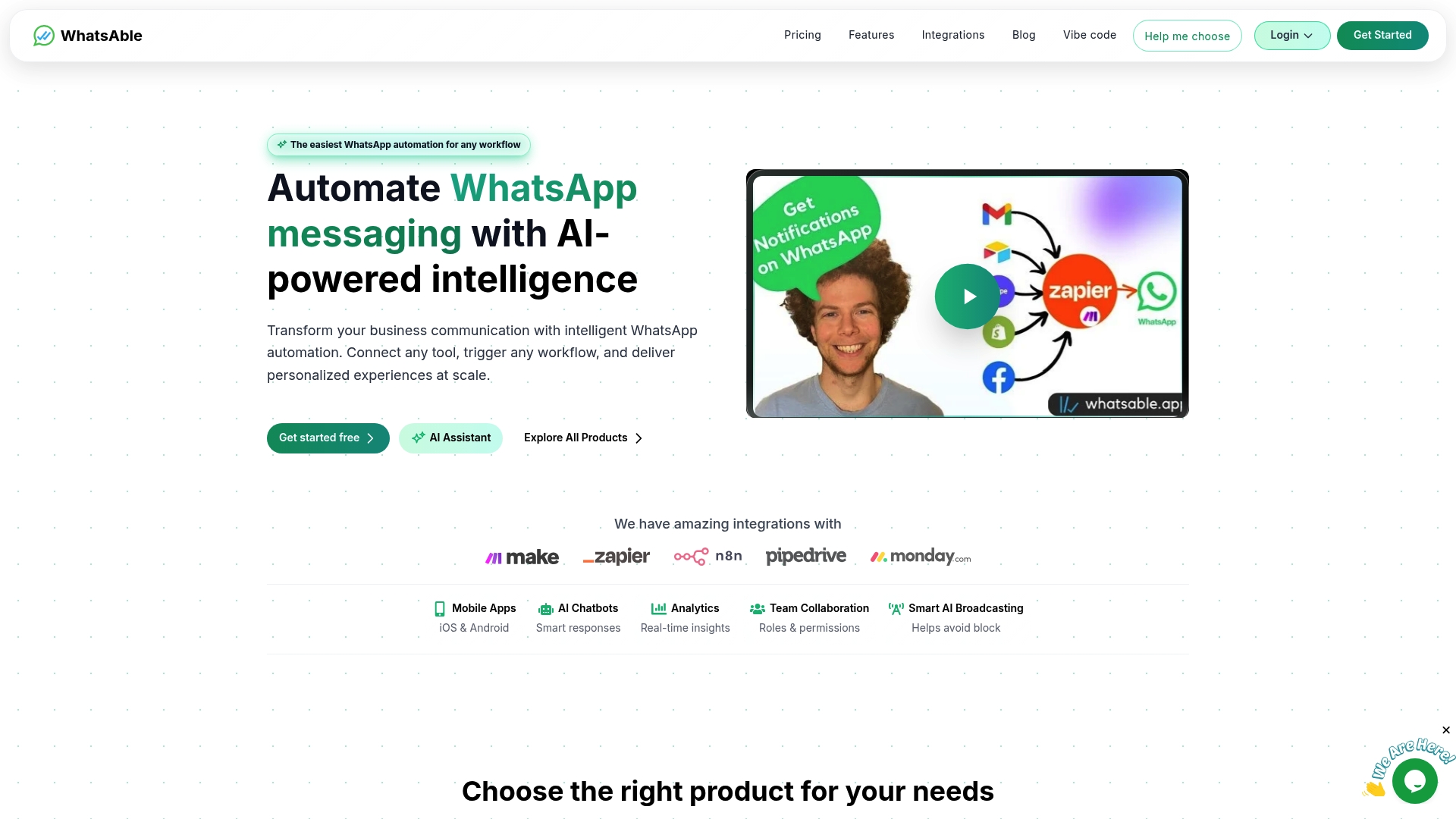
For US-based teams, Whatsable’s open API means you can connect it to HubSpot, Salesforce, or any CRM your team already uses without waiting for a native connector to ship. The anti-block bulk messaging layer handles high-volume broadcasts without the delivery anxiety that comes with generic API resellers. Analytics cover message delivery, engagement, and team performance in one dashboard.
See current pricing and start a free trial to get a projected invoice for your message volume before you commit.
Useful sources to verify features and pricing
Before you finalize any vendor decision, check these directly:
- Meta WhatsApp Business API docs — the authoritative source for conversation pricing tiers, template categories, and WABA registration requirements.
- Zoko on Crunchbase — useful for understanding Zoko’s funding stage and competitive positioning before you negotiate.
- SaaSHub Zoko alternatives list — aggregates more than ten alternatives with user ratings; good for a quick sanity check on market breadth.
- TrustRadius Zoko competitors page — independent user reviews and side-by-side comparisons across business sizes.
- Whatsable pricing page — current subscription tiers and trial options for the recommended pick.
- AI-powered chatbot implementation guide — practical resource if you are evaluating AI agent depth as part of your platform decision.
Pricing and feature sets in this market shift regularly. Always confirm current SLAs, data-residency options, and Meta API markup policies directly with vendors during procurement.
FAQ
What is the difference between WATI and Zoko?
Zoko is optimized for Shopify-first WhatsApp commerce with catalog browsing and in-chat payments, while WATI focuses on team inbox management and broadcast campaigns for SMB support teams. WATI’s pricing starts around $49/month per seat; Zoko adds per-conversation fees on top of its monthly subscription.
Is Zoko a CRM?
Zoko is not a standalone CRM. It is a WhatsApp Business API platform with some CRM-adjacent features like contact management and conversation tagging, but it does not replace a dedicated CRM like HubSpot, Salesforce, or Pipedrive. Teams that need deep pipeline tracking typically integrate Zoko with a separate CRM or switch to a platform like Whatsable that offers native CRM connectors.
Is there a WhatsApp Business alternative for teams that need more than one channel?
Yes. Platforms like Respond.io, Trengo, and MessageBird offer shared inboxes that handle WhatsApp alongside email, live chat, and social messaging. These are the right category if WhatsApp is one of several support channels rather than your primary one.
Is Zoko good for small businesses?
Zoko works well for small Shopify stores that are WhatsApp-first and comfortable with per-conversation billing. The pricing model becomes less predictable as message volume grows, which is why many small businesses look for flat-fee alternatives like Whatsable or WATI as they scale.

 Jonah Reed
 Mira Okonkwo